
Shopify Thank You Page: How to Turn Confirmation into Conversions
Most stores waste their thank you page on a generic 'order confirmed' message. Here's how to transform it into a powerful conversion tool for upsells, referrals, reviews, and repeat purchases.
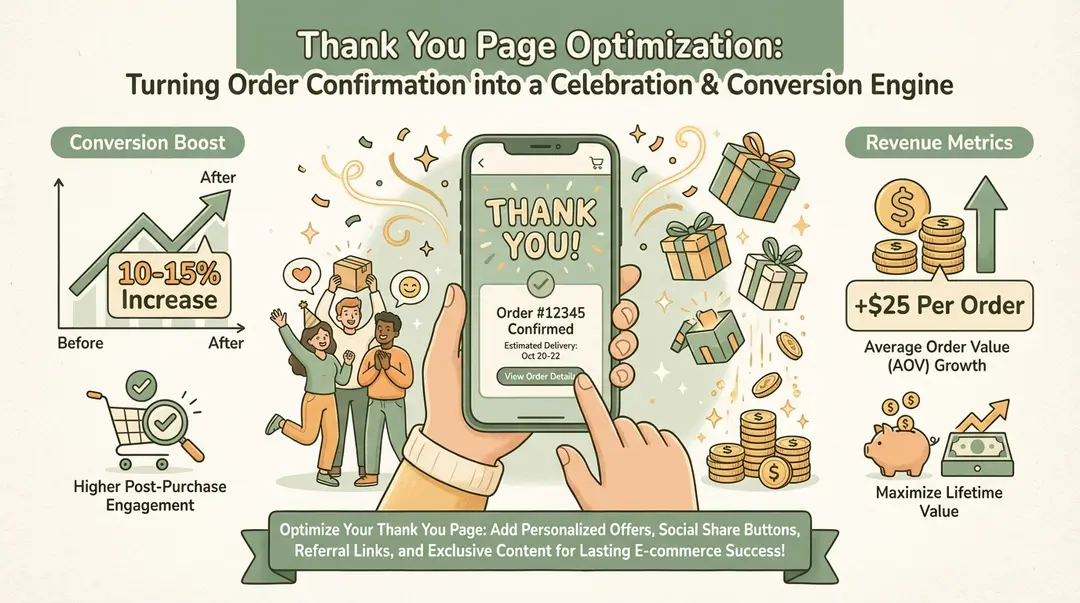
TL;DR
Your thank you page has 100% view rate at peak buyer engagement. Add one-click upsells (10-15% conversion), next-purchase discounts, referral invitations, and social follows. Use apps like ReConvert (free tier) or AfterSell. Keep order info above the fold; limit upsell offers to 1-2 products.
Your thank you page is one of the most underutilized pages in your Shopify store. Customers are at peak engagement—they just gave you money and are excited about their purchase. Yet most stores show nothing more than "Order confirmed" and basic shipping information.
This is prime real estate for upsells, referrals, email signups, social follows, and more. Customers who just bought are the most likely to engage with your brand further.
10-15%
Upsell Conversion
Typical thank you page upsell rates
100%
Guaranteed Views
Every buyer sees this page
3x
Higher Engagement
Than promotional emails
Why Optimize Your Thank You Page?
The thank you page has unique advantages that no other touchpoint offers:
100% visibility
Every single customer sees this page—no open rates or deliverability issues
Peak emotional moment
Customers just made a decision and feel good about it (buyer's high)
Payment info already entered
One-click upsells require no friction to complete
Trust is established
They already bought from you—the relationship is proven
Zero acquisition cost
You're talking to customers you've already converted
Unlike post-purchase emails (which many customers ignore), the thank you page is a guaranteed touchpoint. Wasting it on just order details leaves significant revenue on the table.
The Psychology of Post-Purchase
After making a purchase, customers experience "buyer's high"—a positive emotional state where they're more open to additional offers. This window is brief, making the thank you page the perfect place to capitalize on it.
Essential Elements to Add
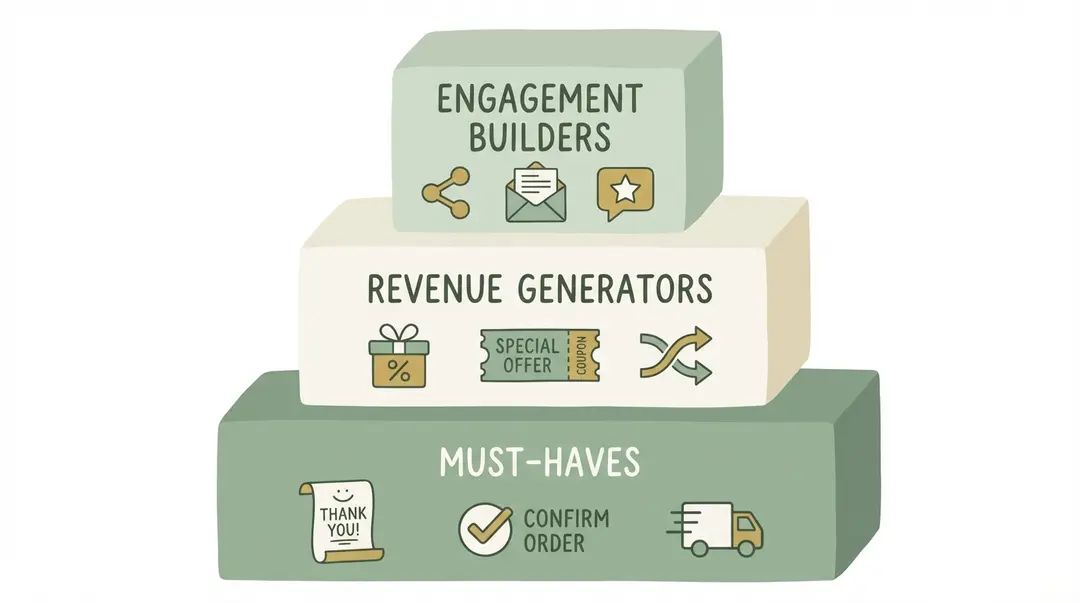
Tier 1: Must-Haves
Clear order confirmation
Order number, items purchased, and confirmation that payment was received
Shipping/delivery expectations
Estimated delivery date, tracking info, and shipping method
Customer support access
Easy way to contact support if there are issues
Tier 2: Revenue Generators
Post-purchase upsell offers
Complementary products with one-click purchase
Discount code for next purchase
"Thanks for your order! Here's 10% off your next purchase"
Referral program invitation
"Give $10, Get $10" referral offer while excitement is high
Tier 3: Engagement Builders
Social media follow prompts
Instagram, TikTok, etc.—with compelling reason to follow
SMS/newsletter signup
For customers who didn't opt in during checkout
Survey or feedback request
Brief questions about shopping experience (not product yet)
User-generated content request
Ask customers to share photos when product arrives
Tier 4: Brand Building
Brand story or mission
Deepen emotional connection with a thank you message from the founder
Behind-the-scenes content
Video of your team, production process, or company culture
Community invitation
Facebook group, Discord, or loyalty program
Turn every order into more revenue
Upsella uses AI to send personalized SMS upsells after each purchase. Shopify stores see 15-25% more revenue from existing customers.
Thank You Page Upsells
Upselling on the thank you page is one of the highest-converting tactics available because:
- Payment details are already saved (one-click purchase)
- Customer just decided to buy (momentum)
- No risk to the original sale (already confirmed)
Types of Thank You Page Upsells
| Type | Example | Best For |
|---|---|---|
| Complementary products | Phone case with phone purchase | Natural add-ons |
| Product upgrades | Extended warranty, premium version | Higher-ticket items |
| Bundles/sets | "Complete the set for 15% off" | Multi-product stores |
| Subscription conversion | "Subscribe and save 20%" | Consumable products |
| Higher quantity | "Add another for 20% off" | Gifts, consumables |
One-Click is Key
Thank you page upsells should be one-click purchases—no re-entering payment info. This is what drives the high conversion rates. Without one-click, expect 3-5x lower conversion.
Upsell Best Practices
Limit to 1-2 offers
Too many choices reduce conversion—pick your best offer
Show clear value
Display original price, discount, and what they're getting
Time-limited offers
"This offer expires in 10 minutes" creates urgency
Personalize based on purchase
Show products related to what they just bought
For more on post-purchase upselling, see our complete setup guide and upsell apps comparison.
How to Customize on Shopify
Method 1: Theme Customizer (Easiest)
Shopify's Online Store 2.0 themes allow basic thank you page customization:
- Go to Online Store → Themes → Customize
- From the dropdown, select Checkout and thank you → Thank you page
- Add sections or app blocks as available
This method is limited but works for basic additions like text, images, or app integrations.
Method 2: Shopify Plus (checkout.liquid)
Shopify Plus merchants can edit checkout.liquid directly for full customization of the thank you page. This allows custom HTML, CSS, and JavaScript.
Method 3: Apps (Most Common)
For most stores, apps are the easiest way to add advanced thank you page features without coding. Apps can insert upsells, surveys, referrals, and more.
Method 4: Additional Scripts
Under Settings → Checkout → Additional scripts, you can add tracking pixels and basic JavaScript that runs on the thank you page. Limited but useful for analytics.
Best Thank You Page Apps
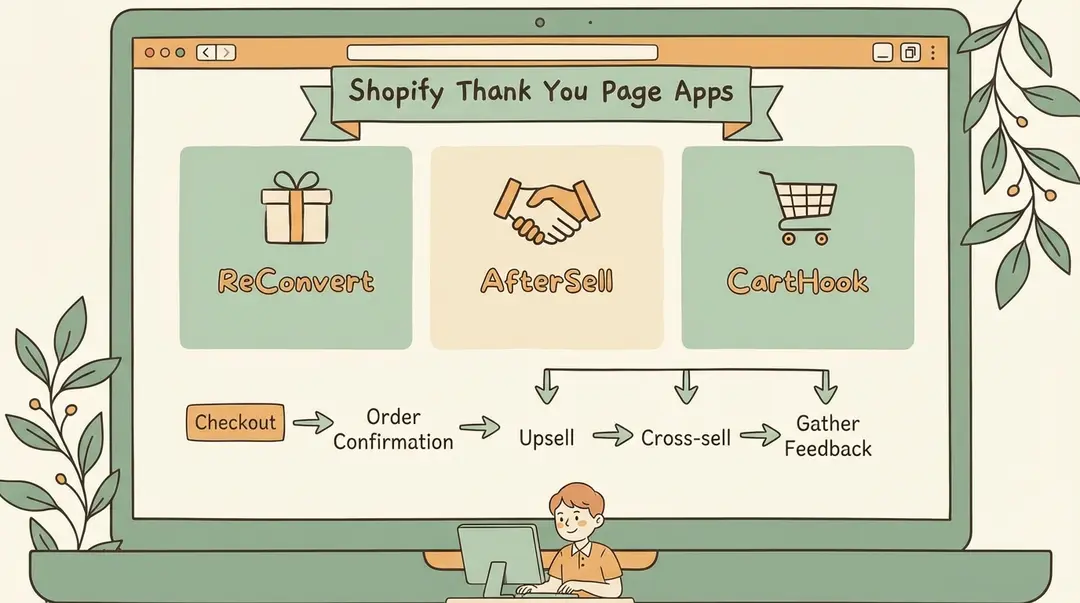
| App | Best For | Starting Price |
|---|---|---|
| ReConvert | All-in-one thank you page builder | Free plan available |
| AfterSell | Post-purchase upsells | $7.99/mo |
| Thank You Page Customizer | Simple customization | Free plan available |
| CartHook | One-click post-purchase offers | $50/mo |
| Selleasy | Upsells + cross-sells | Free plan available |
For a detailed comparison, see our best upsell apps guide.
Beyond the Thank You Page
Thank you page upsells are just one touchpoint. For ongoing post-purchase engagement, SMS upsells can reach customers days or weeks later—when they've received their order and are ready for more. Learn how Upsella automates this.
Best Practices
Pros
- Keep order confirmation info above the fold—customers need this first
- Limit upsell offers to 1-2 highly relevant products
- Use time-limited offers to create urgency
- Make all CTAs mobile-friendly (60%+ of traffic)
- Test different offers and track conversion rates
- Personalize offers based on what was purchased
Cons
- Don't overwhelm with too many elements—cluttered pages convert poorly
- Don't hide order confirmation info below upsells
- Don't show irrelevant products (damages trust)
- Don't use aggressive or pushy language
- Don't forget to A/B test your changes
What to Track
Upsell conversion rate
% of thank you page viewers who accept an upsell offer
Revenue per thank you page view
Total upsell revenue / thank you page views
Email/SMS signup rate
% who opt into additional channels
Referral program joins
% who sign up for your referral program
Social follows
New followers attributed to thank you page prompts
Frequently Asked Questions
What should I put on my Shopify thank you page?
Must-haves: order confirmation, shipping estimates, customer support access. Revenue generators: one-click upsells, next-purchase discounts, referral invitations. Engagement: social follows, SMS/email signup, feedback requests.
What conversion rate should I expect from thank you page upsells?
Typical thank you page upsell conversion is 10-15%. This is higher than cart upsells (3-8%) because the customer has already bought and payment info is saved for one-click purchase.
What apps are best for thank you page customization?
ReConvert (free tier) for all-in-one customization, AfterSell ($7.99/mo) for post-purchase upsells, and Selleasy (free tier) for upsells and cross-sells.
Can I customize the thank you page without Shopify Plus?
Yes. Use Online Store 2.0 theme customizer (Settings → Themes → Customize → Checkout and thank you) or install apps that add widgets without code. Plus is only needed for direct checkout.liquid editing.
Should I show upsells before or after order confirmation?
Always show order confirmation info first (above the fold). Upsells come after—customers need reassurance their order went through before considering additional purchases.
Conclusion
Your thank you page is guaranteed real estate with every customer at their most engaged moment. Don't waste it on just "Order confirmed."
Start with the basics—clear order information and shipping expectations—then layer in revenue generators like one-click upsells and next-purchase discounts. Add engagement builders like referral invitations and social follows. Finally, consider brand-building elements like founder videos or community invitations.
Apps like ReConvert make implementation easy without coding. Test different offers, track your metrics, and continuously optimize. The thank you page is just the beginning—extend the relationship with post-purchase SMS to keep customers engaged long after they leave your site.
References
- Plumrocket. "How to Customize Shopify Thank You Page". 2024.
- Cyberclick. "How to Create Thank You Pages That Convert". 2024.
- Shopify. "Ecommerce Personalization Examples". 2024.
- WizzCommerce. "Shopify Thank You Page Optimization Tips from Experts". 2024.
Ready to boost your revenue with SMS upsells?
Upsella automatically sends AI-powered SMS upsells after customer purchases. Start your free trial today and unlock hidden revenue effortlessly.
Related Articles
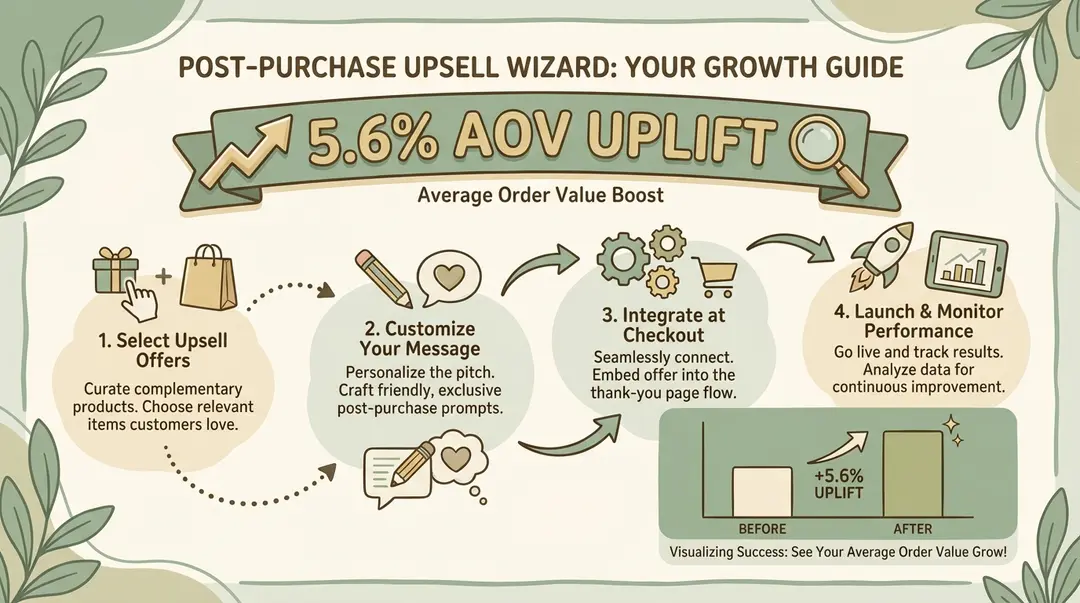
How to Set Up Post-Purchase Upsells in Shopify (Step-by-Step Guide 2026)
A complete guide to implementing post-purchase upsells on your Shopify store—including methods that work without Shopify Plus.
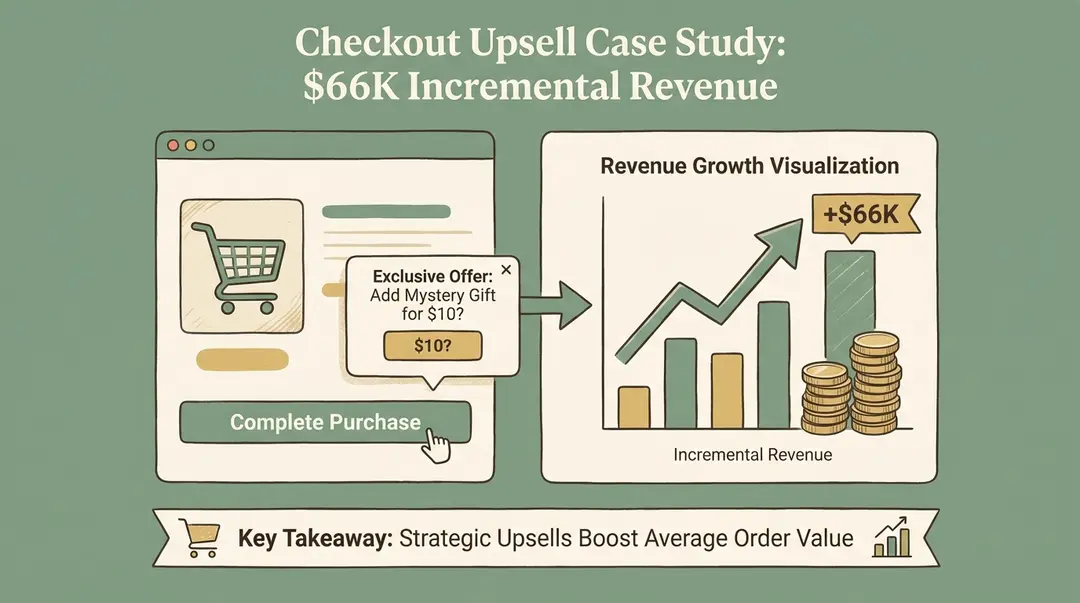
Shopify Upsell at Checkout: Complete Guide (With & Without Plus)
Everything you need to know about adding upsells to your Shopify checkout—whether you
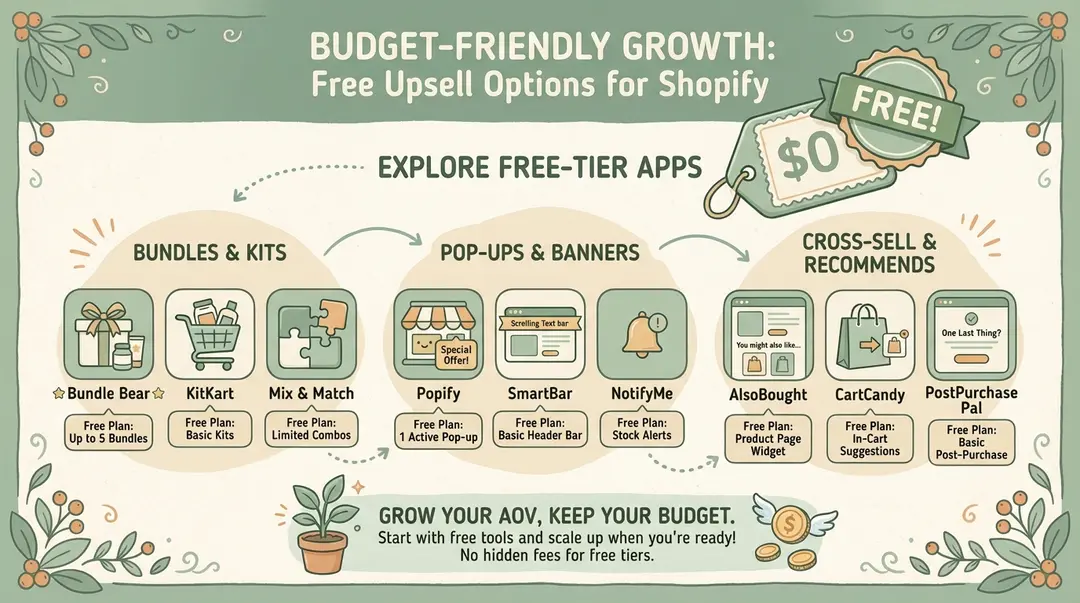
Best Free Upsell Options for Shopify Stores (2026 Guide)
You don