How to Set Up Post-Purchase Upsells in Shopify (Step-by-Step)
A complete guide to implementing post-purchase upsells on your Shopify store—including methods that work without Shopify Plus.
What Are Post-Purchase Upsells?
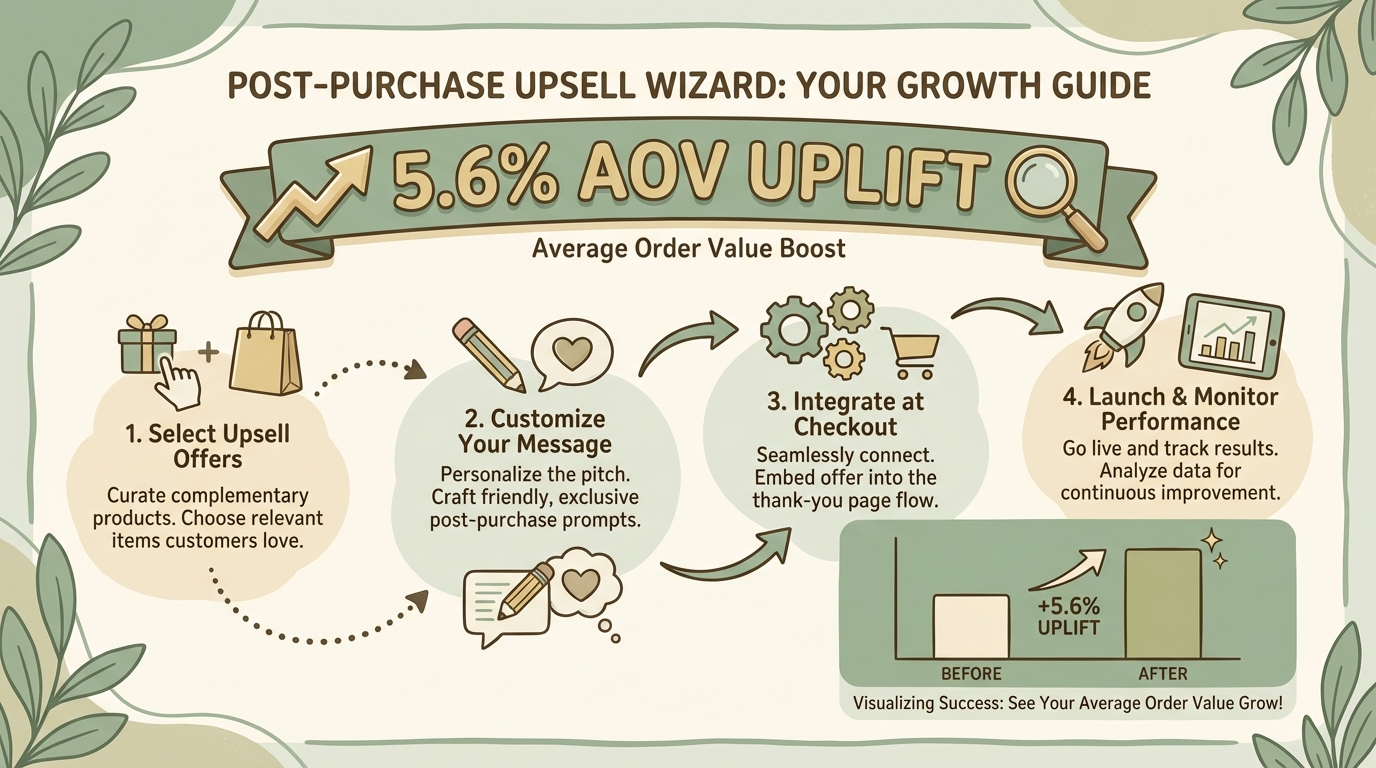
Post-purchase upsells are offers shown to customers after they've completed their initial purchase. Unlike in-cart upsells that appear during browsing, post-purchase offers target customers who've already converted—making them low-risk and high-reward.
The timing matters: these offers appear between checkout completion and the thank-you page, or via follow-up channels like SMS. Selling to an existing customer has a 60-70% success rate, compared to just 5-20% for new prospects[1].
60-70%
Existing Customer Success
vs. 5-20% for new prospects
5.6%
Average AOV Uplift
From post-purchase upsells
28-30%
Top Conversion Rates
Best-performing upsell offers
Why Post-Purchase Timing Works
Post-purchase is the optimal moment for upselling for several psychological and practical reasons:
- Zero risk to initial conversion – The customer has already paid. Your upsell can't cause them to abandon their cart.
- Buying momentum – Customers are in purchasing mode and receptive to relevant offers.
- Trust is established – They've committed to your store. The barrier to adding more is lower.
- One-click purchasing – Payment details are already on file, enabling frictionless add-ons.
According to ReConvert, post-purchase upselling delivers an average 5.6% uplift in order value[2]. Some brands report upsell conversion rates as high as 28-30%[3].
3 Methods to Set Up Post-Purchase Upsells
There are three primary approaches to implementing post-purchase upsells in Shopify:
| Method | Shopify Plan Required | Complexity | Best For |
|---|---|---|---|
| Thank-You Page Upsells | Any plan | Easy | Quick wins |
| Checkout Upsells | Shopify Plus only | Medium | High-volume stores |
| SMS Upsells | Any plan | Easy | Ongoing revenue |
Let's walk through setting up each method.
Method 1: Thank-You Page Upsells
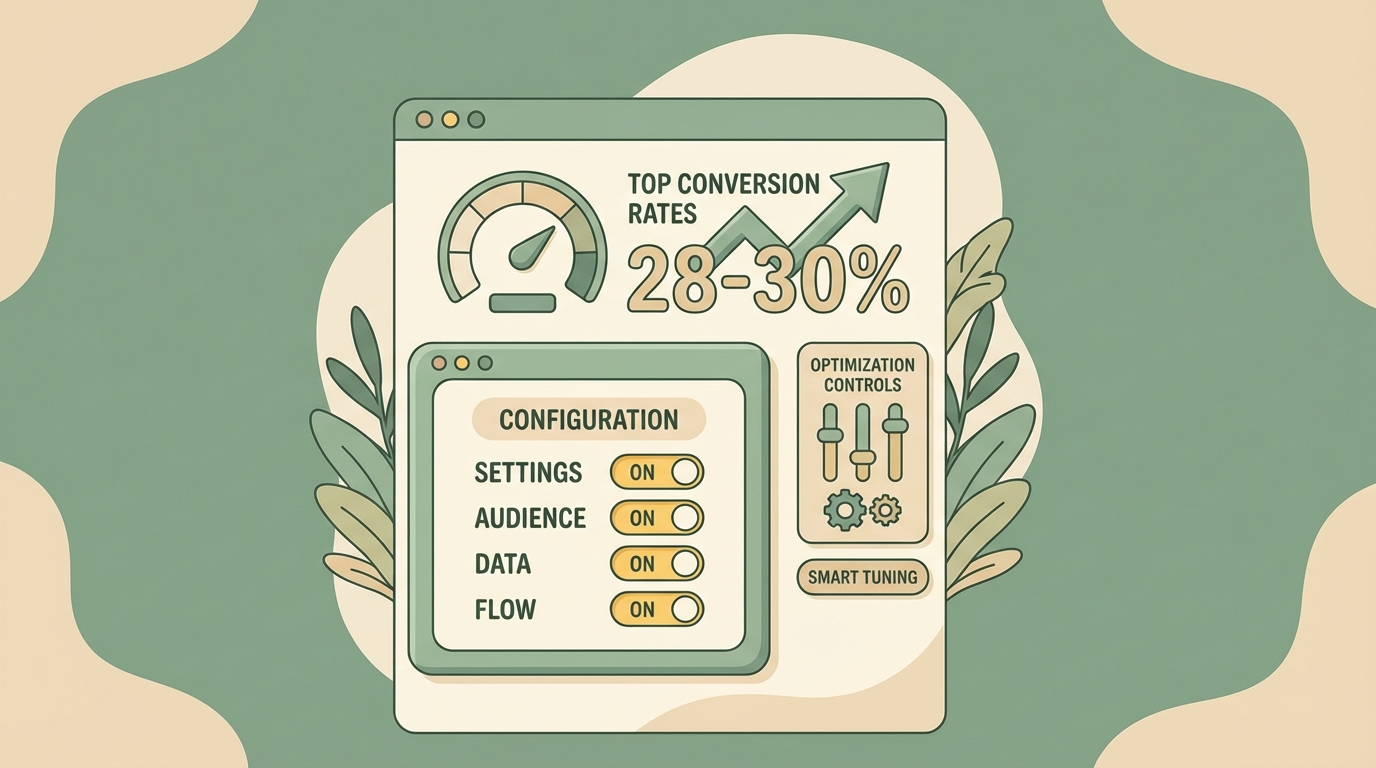
The thank-you page (order confirmation page) is prime real estate for upsells. Apps like ReConvert and AfterSell let you customize this page with product recommendations, countdown timers, and one-click purchase buttons.
Step-by-Step Setup
Install a thank-you page app
Popular options include ReConvert (free plan available, paid from $4.99/month) and AfterSell.
Connect your Shopify store
Authorize the app to access your products and order data.
Create your first upsell offer
Select which products to recommend. Focus on complementary items that make sense with recent purchases.
Set targeting rules
Configure when offers appear based on cart contents, order value, customer tags, or other conditions.
Enable one-click purchasing
Allow customers to add items without re-entering payment info (uses the payment method from their original order).
Test the flow
Place a test order to verify the upsell appears correctly.
Pros
- Works on any Shopify plan
- Immediate visibility after purchase
- Can include countdown timers for urgency
Cons
- Single touchpoint—miss it and it's gone
- Requires customers to stay on the page
Method 2: Checkout Upsells (Shopify Plus Only)
Shopify Plus merchants can add upsell widgets directly into the checkout flow using checkout extensibility. This is the most seamless experience but requires the enterprise plan ($2,000+/month)[4].
Shopify Plus Required
Step-by-Step Setup
Install a checkout upsell app
Options include UpsellPlus, Checkout Blocks, or OrderBump.
Access checkout customization
In Shopify admin, go to Settings → Checkout → Customize checkout.
Add upsell blocks
Use the checkout editor to place upsell widgets where you want them (e.g., after shipping selection, before payment).
Configure product rules
Set which products trigger which upsell offers.
Style to match your brand
Customize colors, fonts, and layout.
Enable and test
Run test checkouts to verify everything works.
Pros
- Native checkout integration
- Highest visibility during purchase flow
- Full customization options
Cons
- Requires Shopify Plus ($2,000+/month)
- More complex to set up
Method 3: SMS Upsells (Any Plan)
SMS post-purchase upsells extend your window beyond the checkout moment. Instead of a single touchpoint, you can reach customers hours or days after their purchase—when they're excited about their order arriving.
Upsella automatically sends AI-powered SMS upsells after customer purchases. The AI analyzes each order and recommends complementary products based on buying patterns, without manual effort.
Works on Any Shopify Plan
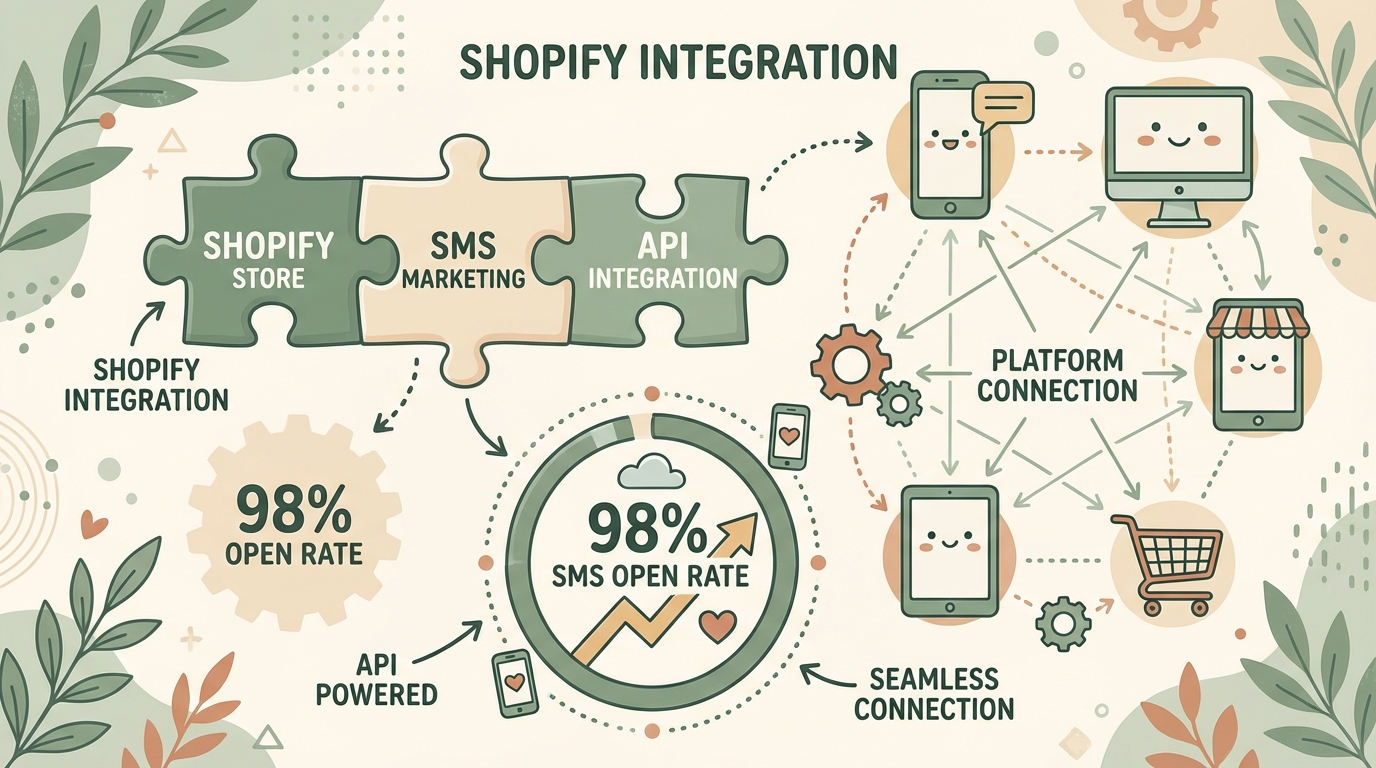
Step-by-Step Setup with Upsella
Install Upsella from the Shopify App Store
Takes about 2 minutes. Works with any Shopify plan.
Get your dedicated phone number
Upsella provides a unique number for your store's SMS campaigns.
Configure timing triggers
Choose when offers are sent: post-checkout, order shipped, order delivered, or custom schedule.
Let AI handle product matching
Upsella's AI automatically analyzes purchase history to recommend relevant products. No manual rule-building required.
Review and launch
Messages include one-tap purchase links. Customers can buy with a single tap.
Learn more on our how it works page.
Why SMS Outperforms Other Channels
98% open rate
Compared to ~20% for email—your message actually gets seen.
Multiple touchpoints
Reach customers after they leave your site, not just at checkout.
Timing flexibility
Send when customers are most receptive (e.g., post-delivery excitement).
AI personalization
Recommendations improve automatically based on order data.
Pros
- Works on any Shopify plan
- Reaches customers off-site
- Runs automatically once configured
- AI handles product recommendations
Cons
- Requires SMS opt-in consent
- Per-message costs apply
Check our pricing for details.
Best Practices for Higher Conversions
Regardless of which method you choose, follow these guidelines to maximize your upsell success:
1. Keep Offers Relevant
Customers don't mind upsells that add value. Offer compatible items (like a case after a phone purchase) rather than random products. Personalized upsells can increase unplanned purchases by 28%[6].
Pro Tip
2. Price Appropriately
A common guideline: upsell products should not exceed 25% of the original order value[7]. A $20 add-on after a $100 purchase feels reasonable. A $50 add-on feels pushy.
3. Limit Options
Present a maximum of 3 upsell options. Too many choices cause decision fatigue and reduce conversions[8].
4. Use Benefit-Driven Copy
Instead of "Add this product," try:
- "Complete your set and save $12"
- "Add this for 25% off"
- "Most customers also grab this"
5. A/B Test Your Offers
Test different products, pricing, and messaging. Small improvements compound over thousands of orders.
6. Don't Be Pushy
Aggressive upsells damage trust. Make it easy to decline and continue. The goal is to enhance the experience, not interrupt it.
Remember
Conclusion
Post-purchase upsells are one of the safest ways to increase revenue—the initial sale is already done. Whether you use thank-you page widgets, checkout customization (Plus only), or SMS follow-ups, the key is reaching customers at the right moment with relevant offers.
For stores on standard Shopify plans looking for an automated, AI-powered approach, Upsella offers post-purchase SMS upsells that run independently once configured—continuously identifying opportunities across your customer base.
Compare all your options in our upsell apps comparison guide.
References
- [1] Shopify. "How Post Purchase Upsells Boost Revenue & AOV". 2024.
- [2] ReConvert data, cited in GemPages. "Shopify Post-Purchase Upsell". 2025.
- [3] Logbase. "Shopify Post Purchase Upsell: Ultimate Guide To Drive AOV". 2025.
- [4] Qikify. "Top 5 Shopify Checkout Upsell Apps for 2025". 2025.
- [5] Shopify. "SMS Marketing Guide". 2024.
- [6] OptiMonk. "An Ultimate Guide to Shopify Post-Purchase Upsell". 2025.
- [7] EcomRise. "Shopify Upsell at Checkout: Best Strategies". 2025.
- [8] GemPages. "Shopify Post-Purchase Upsell Design Strategy". 2025.
Ready to boost your revenue with SMS upsells?
Upsella automatically sends AI-powered SMS upsells after customer purchases. Start your free trial today and unlock hidden revenue effortlessly.