
One-Click Upsells Explained: How They Work & Why They Convert
Customers can add products to their order with a single tap—no re-entering payment details. Learn how this simple mechanism achieves 10-15% conversion rates.
What Are One-Click Upsells?
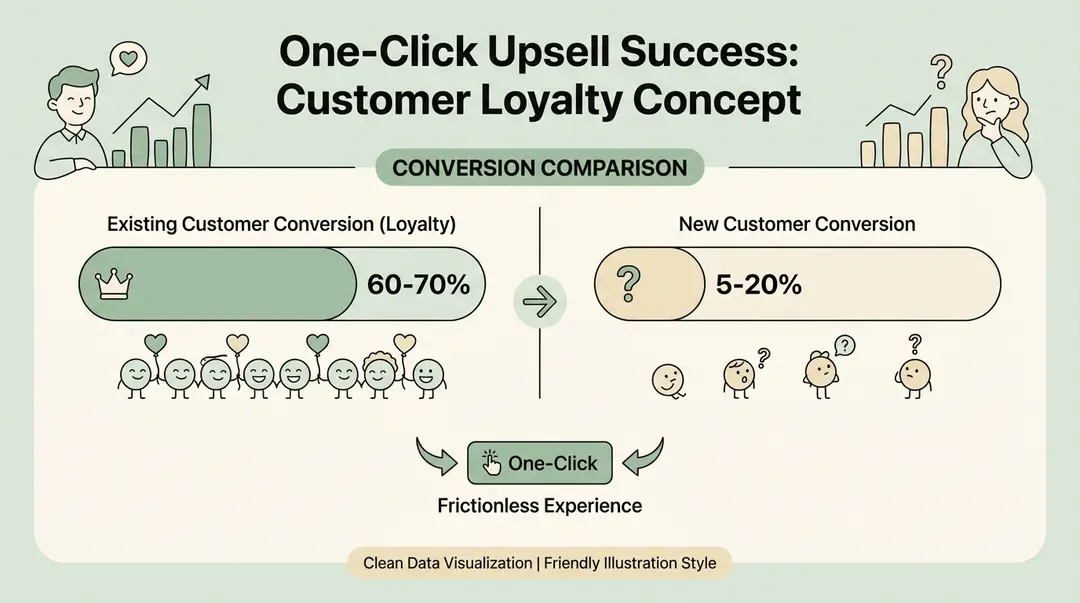
TL;DR
One-click upsells appear after checkout and convert at 10-15%. Customers add to their order with a single tap—no re-entering payment info. Works with Shopify Payments and PayPal. Limitations: doesn't work with Apple Pay, BNPL, or after the browser closes (use SMS for that).
A one-click upsell is an additional product offer presented to customers immediately after they complete a purchase. The key difference from traditional upsells: customers can accept the offer with a single click—no re-entering shipping or payment information[1].
Because payment details are already on file from the initial purchase, the additional item is automatically charged and added to the order. This frictionless experience is why one-click upsells achieve significantly higher conversion rates than traditional follow-up emails.
How One-Click Upsells Work (Technical Flow)
Here's what happens behind the scenes when a customer sees a one-click upsell on Shopify:
Customer Completes Checkout
The customer enters their shipping address and payment information, then clicks "Pay now." The original order is processed and confirmed.
Upsell Page Appears
Instead of going directly to the thank-you page, a new page appears showing an upsell offer. This page sits between the payment confirmation and the order confirmation.
One-Click Decision
The customer sees the offer and can either click "Add to Order" (item is added using stored payment) or click "No thanks" and proceed to the thank-you page.
Automatic Processing
If accepted, the app automatically charges the stored payment method and adds the item to the existing order. No new transaction is needed—it's added seamlessly.
Thank-You Page
The customer reaches the thank-you page, which now shows their complete order (original items plus any accepted upsells).
Why Post-Purchase Matters
The crucial detail: the original order is already complete. If the customer declines the upsell, you don't lose the sale. This makes post-purchase one-click upsells risk-free[3].
Conversion Statistics: What the Data Shows
One-click upsells consistently outperform other upsell methods. Here's what the research shows:
4-10%
Average Conversion Rate
Typical one-click upsell acceptance
Up to 25%
Top Performers
Best-in-class conversion rates
10-30%
AOV Increase
Average order value lift
| Metric | Average | Top Performers |
|---|---|---|
| Upsell conversion rate | 4-10% | 15-25%[4] |
| AOV increase | 10-15% | Up to 30%[5] |
| Customers accepting upsells | 1 in 10 | 3 in 10[6] |
Real-World Case Studies
- BombTech Golf: 45% increase in website conversion rates, 10% reduction in abandoned cart rate, $60+ improvement in AOV[4]
- Kettle & Fire: 140% increase in checkout conversion, 41% increase in average revenue per customer[4]
- Zipify users: 144% year-over-year growth in upsell revenue, with average monthly upsell revenue of $1,435 per store[7]
Shopify-Specific Data
Shopify stores typically see a 10-15% sales increase immediately after implementing one-click upsells[5]. With Zipify's OneClickUpsell app specifically, merchants report a 16.2% average conversion rate[7].
Turn every order into more revenue
Upsella uses AI to send personalized SMS upsells after each purchase. Shopify stores see 15-25% more revenue from existing customers.
Why One-Click Upsells Convert So Well
Several psychological and practical factors explain the high conversion rates:
Zero Friction
The fewer clicks required, the higher the conversion. One-click purchasing eliminates the cognitive load of re-entering information.
Buying Momentum
Customers have just completed a transaction. They're in purchasing mode, and their mental "buy" switch is already on.
Trust Already Established
They've just trusted you with their payment information. The barrier to adding one more item is much lower.
Transaction Continuity
The upsell feels like part of the same shopping experience, not a separate sales pitch.
Risk-Free for Merchants
Because the original sale is already complete, there's no risk of losing the order. You're only adding upside.
Reciprocity Effect
When offers include a discount, customers feel they're getting a special deal. This triggers reciprocity—they're more likely to say yes.
Types of One-Click Upsells
Not all one-click upsells are the same. Here are the main variations:
Post-Purchase Upsells
The most common type. Appears after checkout but before the thank-you page. Works on all Shopify plans.
Checkout Upsells
Appears within the checkout flow itself. Requires Shopify Plus for native integration.
Thank-You Page Upsells
Offers on the order confirmation page. Can still enable one-click if payment is stored.
Downsells
If a customer declines the primary upsell, a lower-priced alternative is offered. Some apps support multiple funnels with sequential offers.
Limitations to Know
One-click upsells don't work in every scenario. Be aware of these limitations[2]:
Pros
- Zero friction - customers accept with one tap
- Risk-free - original sale is already complete
- High conversion rates (10-15% average)
- Works with Shopify Payments and PayPal Express
- Increases AOV by 10-30% on average
Cons
- Won't work with Buy Now Pay Later (Klarna, Affirm, AfterPay)
- Not compatible with Apple Pay, Google Pay, Amazon Pay
- Offline payments (wire transfer, COD) not supported
- Gift cards as primary payment method excluded
- May not display for non-default currencies
Single Touchpoint Limitation
One-click upsells only work at the moment of purchase. Once the customer closes the browser, the opportunity is gone. This is why many merchants combine them with SMS follow-up upsells for additional conversions.
How to Implement One-Click Upsells on Shopify
Shopify released native support for one-click post-purchase upsells in late 2021[1]. Implementation requires an app—here are the top options:
Recommended Apps
| App | Starting Price | Best For |
|---|---|---|
| Zipify OCU | $35/mo + 1% | High-volume stores |
| AfterSell | $34.99/mo | Shopify Plus integration |
| ReConvert | Free / $4.99/mo | Budget-conscious stores |
| Selleasy | Free / $8.99/mo | All-in-one upselling |
Setup Steps (General)
- Install your chosen app from the Shopify App Store
- Create an upsell funnel (select which products to offer)
- Set targeting rules (which purchases trigger which offers)
- Configure design to match your brand
- Enable one-click purchasing
- Test with a real order
- Monitor and optimize based on data
For detailed setup instructions, see our post-purchase upsell setup guide.
Best Practices for Higher Conversions
1. Offer Relevant Products
The #1 factor in upsell success is relevance. Offer products that complement what they just bought. AI-powered recommendations outperform static offers.
2. Keep It Simple
One clear offer converts better than multiple choices. If you show multiple products, limit to 2-3 maximum.
3. Include a Discount
"Add this for 20% off" creates urgency and reciprocity. The discount should feel exclusive to post-purchase.
4. Use Countdown Timers
Limited-time offers (e.g., "Expires in 5 minutes") can increase urgency. Use authentically—don't create false scarcity.
5. A/B Test Everything
Test different products, prices, copy, and designs. Small improvements compound over thousands of transactions.
6. Don't Be Pushy
Make the "No thanks" button visible and easy to click. Aggressive upsells damage trust.
Beyond One-Click: SMS Upsells
One-click upsells are powerful, but they have a limitation: they only work while the customer is on your site. Once they close the browser, the opportunity is gone.
SMS upsells solve this by reaching customers after they leave—via text message.Upsella sends AI-powered SMS upsells at strategic moments:
Post-checkout
Immediately after purchase when buying intent is still high
Order shipped
When tracking updates create natural re-engagement
Order delivered
When customer excitement peaks with product in hand
Custom timing
Days after purchase based on your product cycle
Why Combine Approaches?
One-click captures the checkout moment while SMS captures customers who declined or missed the offer. Together, they maximize your upsell opportunities across the entire customer journey.
SMS Advantages
- 98% open rate (vs ~20% for email)[9]
- Reaches customers off-site
- Works on any Shopify plan
- AI-powered product matching
Frequently Asked Questions
What is a one-click upsell?
A one-click upsell is a product offer shown after checkout where customers can add items to their order with a single tap—using payment info already on file from their original purchase.
What is the conversion rate for one-click upsells?
Average conversion is 4-10%, with top performers hitting 15-25%. Zipify users report a 16.2% average conversion rate. Expect 10-30% AOV increase.
Do one-click upsells work with Apple Pay?
No. One-click upsells only work with Shopify Payments and PayPal Express. Apple Pay, Google Pay, Amazon Pay, and Buy Now Pay Later (Klarna, Affirm, AfterPay) are not supported.
What apps support one-click upsells on Shopify?
Top apps include Zipify OCU ($35/mo + 1%), AfterSell ($34.99/mo), ReConvert (free tier available), and Selleasy (free tier available). All support Shopify's native post-purchase extensions.
How do one-click upsells differ from cart upsells?
Cart upsells appear before checkout and can reduce conversion if too aggressive. One-click upsells appear after the sale is complete—there's zero risk of losing the original order.
Conclusion
One-click upsells work because they remove friction at the moment of maximum buying intent. With average conversion rates of 10-15% and potential AOV increases of up to 30%, they're one of the most effective revenue optimization tactics available.
Key takeaways:
- One-click upsells appear after checkout, using stored payment info
- They convert at 4-15%+ because they're frictionless and timely
- The original sale is already complete—there's no risk
- Limitations include payment method restrictions and single-touchpoint timing
- SMS upsells complement one-click by reaching customers after they leave
For a complete comparison of all upsell approaches, see our upsell apps comparison guide.
References
- Qikify. "One Click Upsell Shopify: Complete Guide". 2025.
- Upsell Wizard. "How to Enable One-Click Upsells on Shopify". 2025.
- Zipify. "OneClickUpsell Post Purchase Upsells". 2025.
- CartHook. "What is the Conversion Rate for Post-Purchase Upsell?". 2025.
- EComposer. "Double Revenue With Shopify One Click Upsell". 2025.
- Inntopia. "The Underestimated Math of Ecommerce Upsells". 2025.
- Zipify. "Year In Review: OneClickUpsell Performance Report". 2022.
- Shopify. "How Post Purchase Upsells Boost Revenue & AOV". 2024.
- Shopify. "SMS Marketing Guide". 2024.
Ready to boost your revenue with SMS upsells?
Upsella automatically sends AI-powered SMS upsells after customer purchases. Start your free trial today and unlock hidden revenue effortlessly.
Related Articles
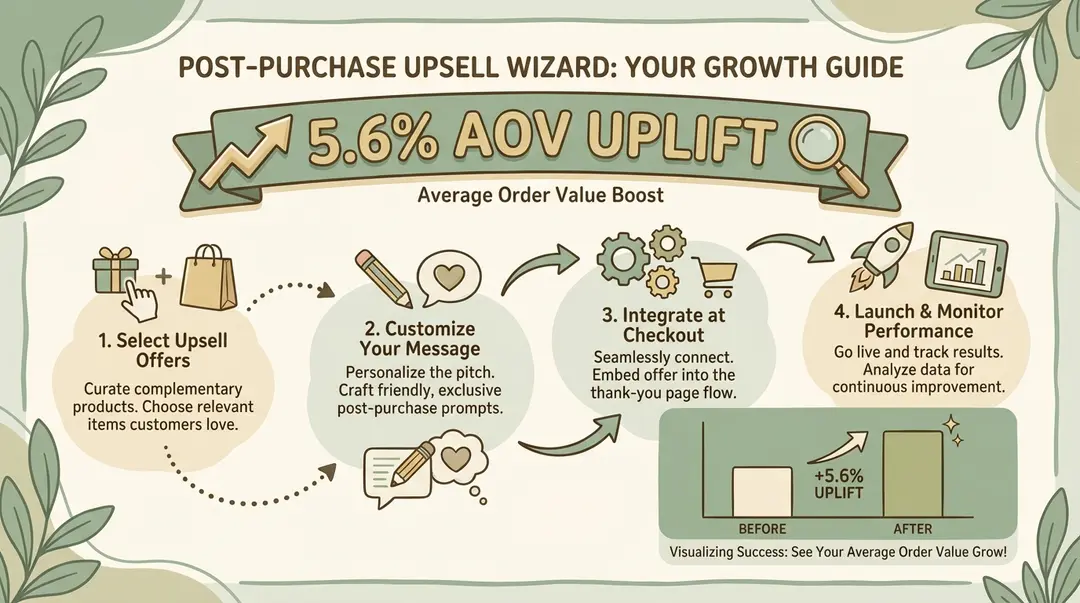
How to Set Up Post-Purchase Upsells in Shopify (Step-by-Step Guide 2026)
A complete guide to implementing post-purchase upsells on your Shopify store—including methods that work without Shopify Plus.
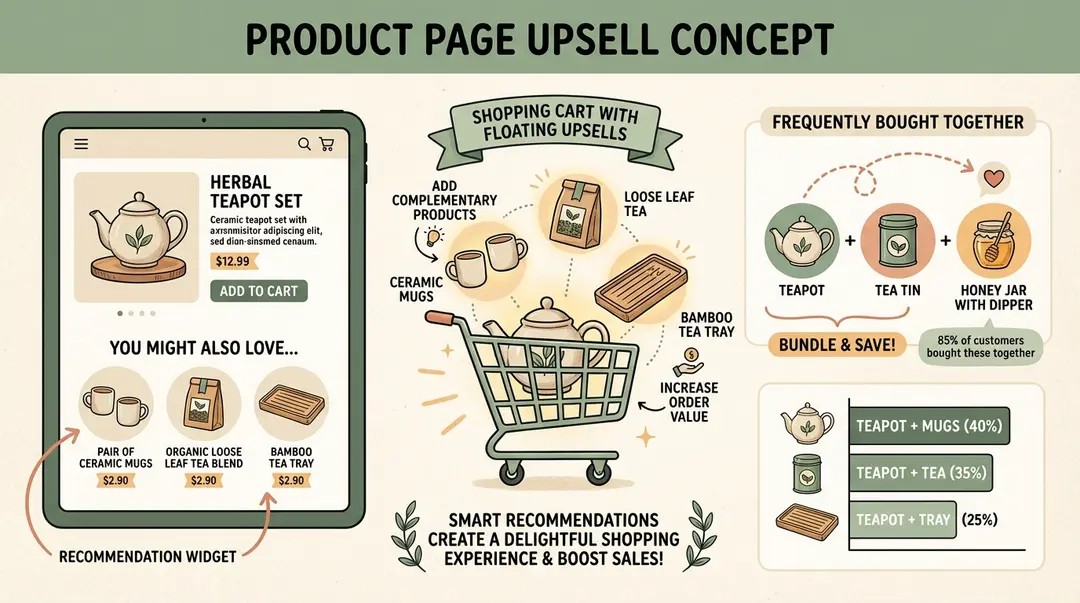
How to Create Upsell Offers on Shopify Product Pages (Step-by-Step 2026)
A complete guide to implementing product page upsells—from frequently bought together widgets to premium version upgrades. Works on any Shopify plan.
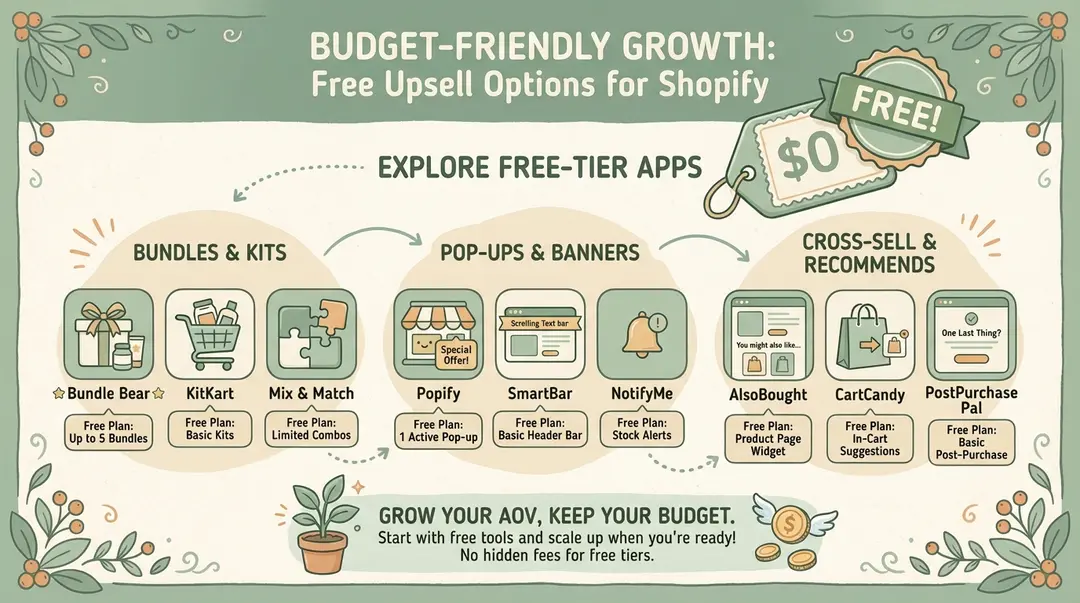
Best Free Upsell Options for Shopify Stores (2026 Guide)
You don