5 Post-Purchase SMS Templates That Convert
Copy these proven SMS templates for upselling after purchase. Each template is designed for a specific moment in the customer journey, with personalization tips and timing guidance.
Why Post-Purchase SMS Works
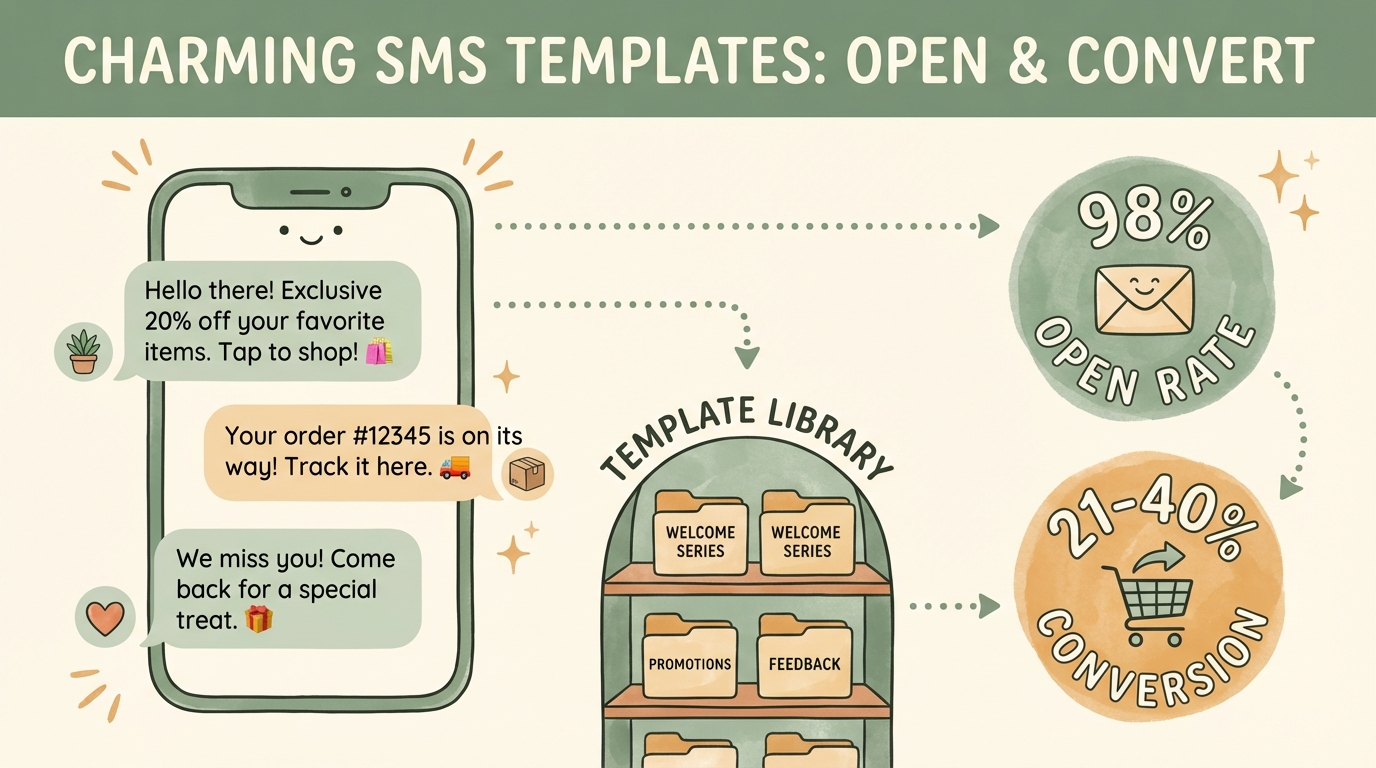
Post-purchase SMS messages achieve 98% open rates and 21-40% conversion rates—far exceeding email[1]. The key is timing: you're reaching customers at moments when they're already engaged with your brand.
98%
Open Rate
SMS vs 20% for email
21-40%
Conversion Rate
Post-purchase offers
29%
Higher Response
With personalization
These templates cover the five most effective post-purchase touchpoints:
Order confirmation
Capitalize on buying momentum immediately
Shipping notification
Reach customers while they wait for delivery
Delivery confirmation
Engage at peak excitement when package arrives
Product care follow-up
Educate and offer complementary products
Restock reminder
Prevent customers from shopping elsewhere
Each includes a natural upsell or cross-sell opportunity. Copy them directly or customize for your brand.
1. Order Confirmation + Upsell
When to send: Immediately after purchase
Why it works: Customers expect an order confirmation. Adding a relevant offer capitalizes on their buying momentum[2].
Template A: Simple Upsell
“[Store Name]: Thanks [First Name]! Order #[Order Number] confirmed. While you wait, grab [Product] for 20% off: [Link]”
Template B: Complementary Product
“[Store Name]: [First Name], your [Product] is on its way! Customers also love pairing it with [Accessory]. Get yours: [Link]”
Template C: Bundle Offer
“[Store Name]: Order confirmed! Complete your set—add [Related Product] today and save $10. One-tap checkout: [Link]”
Personalization Tips
- Use the customer's first name
- Reference the specific product they ordered
- Recommend products that genuinely complement their purchase
- Include a discount to incentivize immediate action
2. Shipping Notification + Cross-Sell
When to send: When the order ships
Why it works: Shipping notifications have extremely high open rates. Customers are excited to track their order—and receptive to "while you wait" offers[3].
Template A: Track + Shop
“[Store Name]: [First Name], your order shipped! Track it: [Tracking Link]. While you wait, check out what's new: [Link]”
Template B: Accessory Offer
“[Store Name]: Great news! Your [Product] is on the way. Need a [Accessory] to go with it? 15% off today only: [Link]”
Template C: Early Access
“[Store Name]: [First Name], your order is en route! As a thank you, here's early access to our new [Collection/Product]: [Link]”
Personalization Tips
- Always include the tracking link first—that's what they're looking for
- Keep the upsell secondary to the shipping info
- Frame offers as "while you wait" to feel natural
3. Delivery Confirmation + Review
When to send: Day of or day after delivery
Why it works: The moment of receiving a package is peak excitement. Customers are handling their new product and thinking about your brand[4].
Template A: Review + Cross-Sell
“[Store Name]: [First Name], your order arrived! Loving your [Product]? Leave a review and get 15% off your next order: [Link]”
Template B: Satisfaction Check + Offer
“[Store Name]: Your [Product] has been delivered! Questions? Reply to this text. Happy with your order? Grab [Related Item] next: [Link]”
Template C: Social Proof Request
“[Store Name]: Package delivered! Share a photo of your [Product] and tag us for a chance to win $50 store credit. Shop more: [Link]”
Personalization Tips
- Ask for a review—social proof is valuable
- Offer support proactively ("Questions? Reply here")
- Time carefully—wait until the package actually arrives
4. Product Care + Accessory Offer
When to send: 3-7 days after delivery
Why it works: Educational content adds value and positions your brand as helpful. Following up with a relevant offer feels natural, not salesy[2].
Template A: Care Tips + Accessory
“[Store Name]: Pro tip for your [Product]—[Care Tip]. Want to extend its life? Our [Accessory/Care Product] helps: [Link]”
Template B: How-To + Bundle
“[Store Name]: Getting the most from your [Product]? Here's a quick guide: [Link]. Pair it with [Product B] for even better results: [Link]”
Template C: Exclusive Tip + VIP Offer
“[Store Name]: [First Name], here's an insider tip for your [Product]: [Tip]. As a customer, enjoy 20% off [Related Category]: [Link]”
Example Care Tips by Industry
- Apparel: "Wash cold, hang dry to keep colors vibrant"
- Skincare: "Apply on damp skin for best absorption"
- Electronics: "Update firmware for latest features"
- Home goods: "Use coasters to protect the finish"
5. Restock Reminder
When to send: Based on product consumption cycle (e.g., 25-30 days for monthly consumables)
Why it works: For consumable products, timely reminders prevent customers from shopping elsewhere when they run out[5].
Template A: Running Low
“[Store Name]: [First Name], running low on [Product]? Restock now and save 10% with code RESTOCK10: [Link]”
Template B: Subscribe & Save
“[Store Name]: Time for more [Product]? Subscribe and never run out—plus save 15% on every order: [Link]”
Template C: Upgrade Option
“[Store Name]: Ready to reorder [Product]? Try our new [Premium Version] this time—same price, better formula: [Link]”
Timing Guidance
- 30-day supply: Send at day 25
- 60-day supply: Send at day 50
- 90-day supply: Send at day 80
Send before they run out, not after. The goal is to prevent them from buying elsewhere.
SMS Template Best Practices
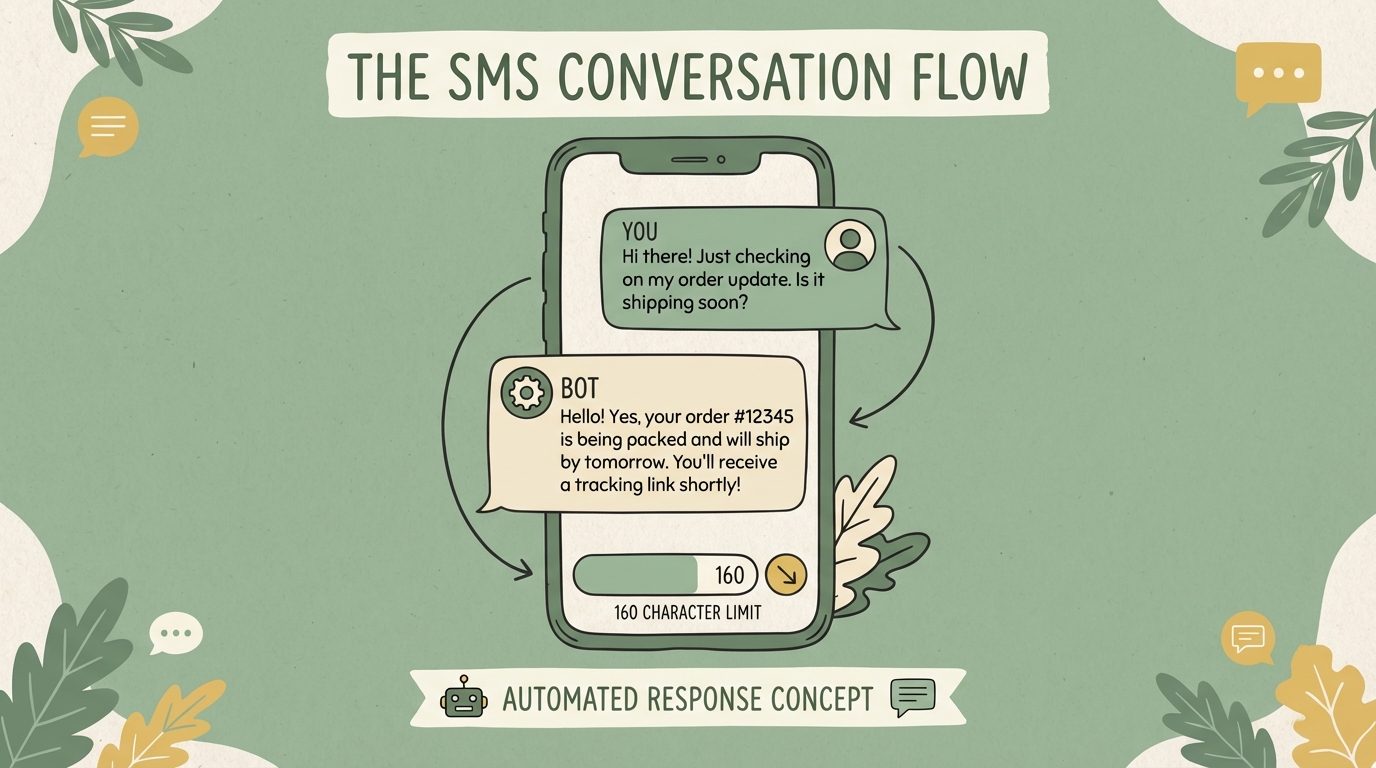
Keep It Under 160 Characters
Standard SMS is 160 characters. Longer messages split into multiple texts, which can feel spammy and cost more.
Always Include Your Store Name
Start with [Store Name] so customers immediately know who's texting.
Personalize When Possible
Use first names and reference specific products. Generic messages underperform personalized ones by 29%.
One Clear CTA
Each message should have one action. Don't ask them to review AND shop AND share. Pick one.
Use Link Shorteners
Long URLs eat into your character count. Use short links that also enable click tracking.
Respect Frequency
Customers tolerate 2-4 SMS messages per month. More than that leads to opt-outs.
Provide Value First
Lead with useful information (order status, care tips) before the upsell. Pure sales messages feel intrusive.
Optimal Timing
| Message Type | Best Timing | Best Time of Day |
|---|---|---|
| Order confirmation | Immediately | Any (transactional) |
| Shipping notification | When shipped | Any (transactional) |
| Delivery follow-up | 1 day after delivery | 10am-12pm or 7pm-9pm |
| Product care tips | 5-7 days after delivery | 10am-2pm |
| Restock reminder | 5 days before expected runout | 10am-12pm |
Times to Avoid
Early mornings (before 9am), late nights (after 9pm), and Mondays when people are overwhelmed.
Automating Your SMS Upsells

Manually sending these messages isn't practical. You need automation.
Option 1: General SMS Platforms
Apps like Klaviyo, Postscript, or SMSBump let you create automated flows triggered by Shopify events (order placed, shipped, delivered).
Option 2: AI-Powered Upsell SMS
Upsella takes automation further with AI-powered product recommendations. Instead of manually configuring which products to suggest for each purchase, Upsella's AI:
Analyzes each customer's purchase history
AI reviews past orders to understand preferences
Automatically selects the most relevant upsell products
No manual product mapping required
Sends messages at optimal timing
Configurable triggers based on order events
Includes one-tap purchase links
Frictionless buying experience for customers
Runs independently once configured
Set it and let AI handle the rest
Why AI-Powered SMS?
You don't need to write templates for every product combination—the AI handles personalization automatically based on each customer's order history and preferences.
Conclusion
Post-purchase SMS is one of the highest-converting channels available. With 98% open rates and the ability to reach customers at peak engagement moments, these five templates give you a starting point for capturing additional revenue.
Quick Recap
- Order confirmation: Capitalize on buying momentum
- Shipping notification: "While you wait" offers
- Delivery confirmation: Request reviews + cross-sell
- Product care: Educate first, then offer accessories
- Restock reminder: Prevent customers from shopping elsewhere
For automated, AI-powered SMS upselling that handles personalization for you, try Upsella. It takes the work out of post-purchase upselling while maximizing relevance and conversion.
For more on SMS vs email strategy, see our SMS vs Email comparison.
References
- [1] Omnisend. "Post-Purchase SMS: Benefits, Tips, and Examples". 2025.
- [2] Emotive. "The Post-Purchase Flow: 11 Email and SMS Messages". 2025.
- [3] Postscript. "13+ SMS Templates for Ecommerce Brands". 2025.
- [4] Bitly. "6 Successful Post-Purchase Text Sequences". 2025.
- [5] Shopify. "SMS Marketing Guide". 2024.
Ready to boost your revenue with SMS upsells?
Upsella automatically sends AI-powered SMS upsells after customer purchases. Start your free trial today and unlock hidden revenue effortlessly.