
Shopify Upsell Apps with Free Trials: Test Before You Buy
Don't commit to an upsell app without testing it first. Here's a complete list of apps with free trials, what to evaluate during your trial, and how to make the right choice.
Why Shopify Upsell App Free Trials Matter
TL;DR
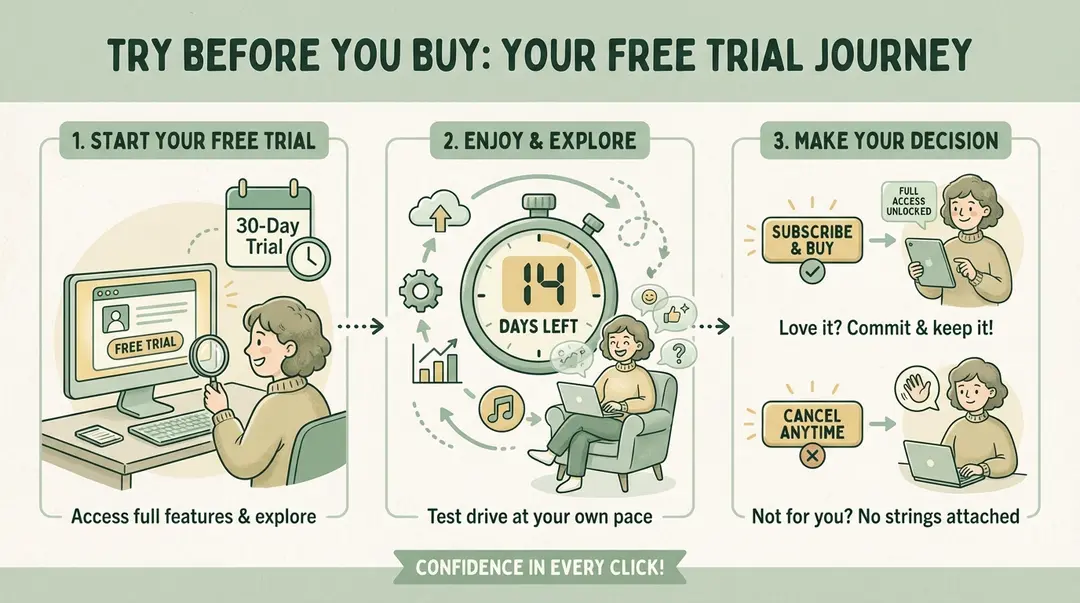
Most top Shopify upsell apps offer 7-30 day free trials. AfterSell (30 days), Candy Rack (14 days), Bold Upsell (14 days), and Zipify OCU (30 days) are among the best options. During your trial, test conversion rates, mobile experience, and analytics quality. Use our checklist to evaluate before committing.
A free trial for Shopify upsell apps lets you test premium features—like A/B testing, bundle discounts, and analytics—before paying. Most trials last 7-30 days and require a credit card that won't be charged until the trial ends.
Upsell apps can significantly boost your revenue—but choosing the wrong one wastes time and money. App store ratings and screenshots only tell part of the story. The real test is how an app performs in your store, with your products and customers.
That's why free trials are invaluable. They let you evaluate the actual impact on your conversion rates and average order value before paying anything.
7-30
Days
Typical trial length for upsell apps
$0
Upfront Cost
Test premium features risk-free
10-30%
Revenue Lift
Potential from right upsell app
In this guide, we'll cover every major Shopify upsell app that offers a free trial, what to test during that trial, and how to make a confident decision.
10 Shopify Upsell Apps with Free Trials
Here's every major Shopify upsell app offering free trials, sorted by trial length:
30-Day Free Trials
1. AfterSell Post Purchase Upsell
One of the most feature-rich post-purchase upsell apps with multi-step funnels, downsells, and A/B testing.
Trial length: 30 days full access
Post-purchase and thank-you page upsells
One-click upsell acceptance
A/B testing included
Paid plans: From $34.99/month
2. Zipify OneClickUpsell (OCU)
Built by the team behind Smart Marketer, focused on high-converting post-purchase funnels.
Trial length: 30 days
Pre and post-purchase upsells
Split testing capabilities
Optimized for Plus stores
Paid plans: From $35/month
3. UpsellPlus Checkout Upsells
Specializes in checkout page upsells for Shopify Plus merchants.
Trial length: 30 days
Checkout page integration
Cart and post-purchase upsells
Subscription upsells supported
Paid plans: From $49/month
14-Day Free Trials
4. Candy Rack — All-in-One Upsell
Clean, non-intrusive upsell popups that appear when customers click Add to Cart.
Trial length: 14 days
One-click popup upsells
Pre-purchase timing
Highly customizable design
Paid plans: From $29.99/month
5. Bold Upsell
Established upsell app with AI-powered product recommendations.
Trial length: 14 days
AI-powered recommendations
Pop-ups and in-page widgets
Cross-sell and upsell combined
Paid plans: From $9.99/month
6. Honeycomb Upsell & Cross Sell
Full-featured solution covering product page, cart, and post-purchase upsells.
Trial length: 14 days
Multiple upsell touchpoints
AI auto-pilot recommendations
Funnel builder included
Paid plans: From $49.99/month
7. iCart Cart Drawer Cart Upsell
Focuses on cart drawer upsells and progress bars to incentivize higher spending.
Trial length: 14 days
Slide cart with upsells
Free shipping progress bar
Discount timers
Paid plans: From $12.99/month
7-Day Free Trials
8. ReConvert (Upsell.com)
Market-leading thank-you page and post-purchase upsell app. Also offers a free tier.
Trial length: 7 days of paid features
Also has free tier (49 orders/month)
Thank-you page customization
Birthday collectors, surveys
Paid plans: From $4.99/month
9. Rebuy Personalization Engine
Advanced AI-powered recommendation engine for larger stores.
Trial length: 7-14 days (varies)
AI/ML product recommendations
Smart cart features
Best for high-volume stores
Paid plans: From $99/month
10. Upsella (SMS Upsells)
Upsella offers AI-powered SMS upsells that reach customers after they leave your site. Unlike widget-based apps, SMS continues the conversation post-purchase.
Free trial available
AI-powered product matching
Post-purchase SMS delivery
Works on any Shopify plan
One-tap purchase links
Comparison Table
| App | Trial Length | Free Tier? | Starting Price | Best For |
|---|---|---|---|---|
| AfterSell | 30 days | No | $34.99/mo | Post-purchase funnels |
| Zipify OCU | 30 days | No | $35/mo | Plus stores |
| UpsellPlus | 30 days | No | $49/mo | Checkout upsells |
| Candy Rack | 14 days | No | $29.99/mo | Pre-purchase popups |
| Bold Upsell | 14 days | No | $9.99/mo | AI recommendations |
| Honeycomb | 14 days | Yes (100/mo) | $49.99/mo | Multi-touchpoint |
| iCart | 14 days | Yes | $12.99/mo | Cart drawer |
| ReConvert | 7 days | Yes (49/mo) | $4.99/mo | Thank-you page |
| Rebuy | 7-14 days | No | $99/mo | Enterprise AI |
| Upsella | Free trial | Contact | See pricing | SMS upsells |
Turn every order into more revenue
Upsella uses AI to send personalized SMS upsells after each purchase. Shopify stores see 15-25% more revenue from existing customers.
What to Test During Your Upsell App Trial
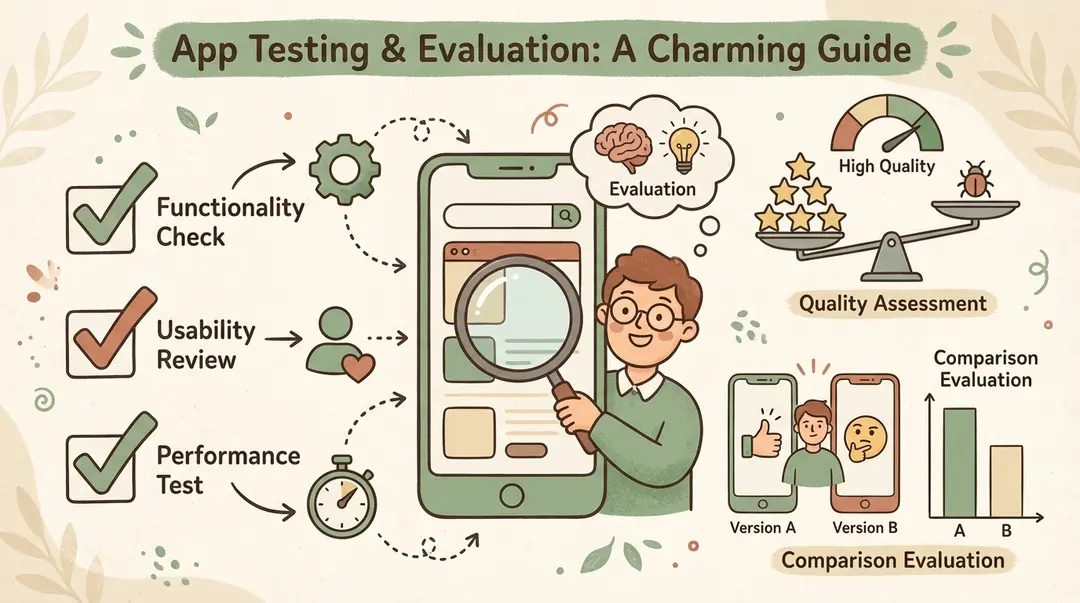
A free trial is only valuable if you use it strategically. Here's what to evaluate:
1. Conversion Rate Impact
The most important metric. Compare your upsell acceptance rate to industry benchmarks:
- In-cart upsells: 3-8% conversion
- Post-purchase upsells: 10-15% conversion
- SMS upsells: 10-25% conversion
If your rates are significantly below these ranges after a week, the app may not be right for your store—or your offers need adjustment.
2. Mobile Experience
Over 70% of Shopify traffic is mobile. Test every upsell touchpoint on your phone:
- Do popups display correctly?
- Are buttons thumb-friendly?
- Does the upsell disrupt checkout flow?
- How fast do widgets load?
3. Setup Time & Ease of Use
How long does it take to create your first upsell offer? A good app should let you launch something in under 30 minutes. Complex apps aren't necessarily better.
4. Customization Options
Can you match the app's widgets to your brand? Test:
- Color and font customization
- Widget positioning options
- Copy/messaging flexibility
- Discount/incentive configuration
5. Analytics Quality
Does the app show you what matters? Look for:
- Revenue attributed to upsells
- Conversion rates by offer
- A/B test results (if available)
- ROI calculations
Run at Least 100 Orders
Don't judge results based on 10-20 orders. You need statistical significance. If your store does 100+ orders during the trial, you'll have meaningful data to make a decision.
6. Customer Support Quality
During your trial, test support responsiveness:
- How fast do they respond to questions?
- Is live chat available?
- Do they offer setup assistance?
- Check app store reviews for support complaints
7. Page Speed Impact
Some apps add JavaScript that slows your site. Test page speed before and after installation using Google PageSpeed Insights or GTmetrix.
Free Trial Evaluation Checklist
Use this checklist to systematically evaluate each app during your trial:
Day 1: Installation & Setup
Install the app, create 2-3 test offers, and verify they display correctly on desktop and mobile.
Day 2-3: Configuration Fine-Tuning
Adjust targeting rules, customize design to match your brand, and test different offer types.
Day 4-7: Gather Initial Data
Let offers run on live traffic. Note conversion rates, customer feedback, and any technical issues.
Day 8-10: A/B Test (if available)
Test different products, discounts, or copy to see what performs best.
Day 11-14: Evaluate Analytics
Review revenue attributed to upsells, conversion rates, and ROI. Compare to your baseline.
Final Day: Make Decision
Calculate expected monthly value vs. app cost. If ROI is positive, commit. If not, try another app.
Document Everything
Keep notes on each app you trial. Screenshot dashboards, record conversion rates, and note any issues. This makes comparison much easier if you're testing multiple apps.
Shopify App Free Tiers vs. Free Trials
Some apps offer free tiers (permanent free plans with limitations) while others offer free trials (temporary full access). Understanding the difference helps you plan:
| Feature | Free Tier | Free Trial |
|---|---|---|
| Duration | Unlimited | 7-30 days |
| Feature Access | Limited | Full (usually) |
| Order Limits | Yes (49-100/mo typical) | Usually none |
| Best For | Small stores, testing concept | Evaluating premium features |
| Commitment | None | Credit card often required |
Apps with Free Tiers
ReConvert
Free up to 49 orders/month
Selleasy
Free up to 100 orders/month
Honeycomb
Free up to 100 funnel views/month
iCart
Free for partner development stores
Pros
- No time pressure to evaluate
- Good for stores with lower order volume
- Can use indefinitely if you stay within limits
- Easy to get started
Cons
- Limited features on free tier
- Order caps restrict growth
- May not see full app potential
- Less support priority
Strategy: Start Free Tier, Then Trial
For apps with both options (like ReConvert), start with the free tier to learn the interface. Then use the paid trial when you're ready to test advanced features at scale.
Migrating from Trial to Paid Plan
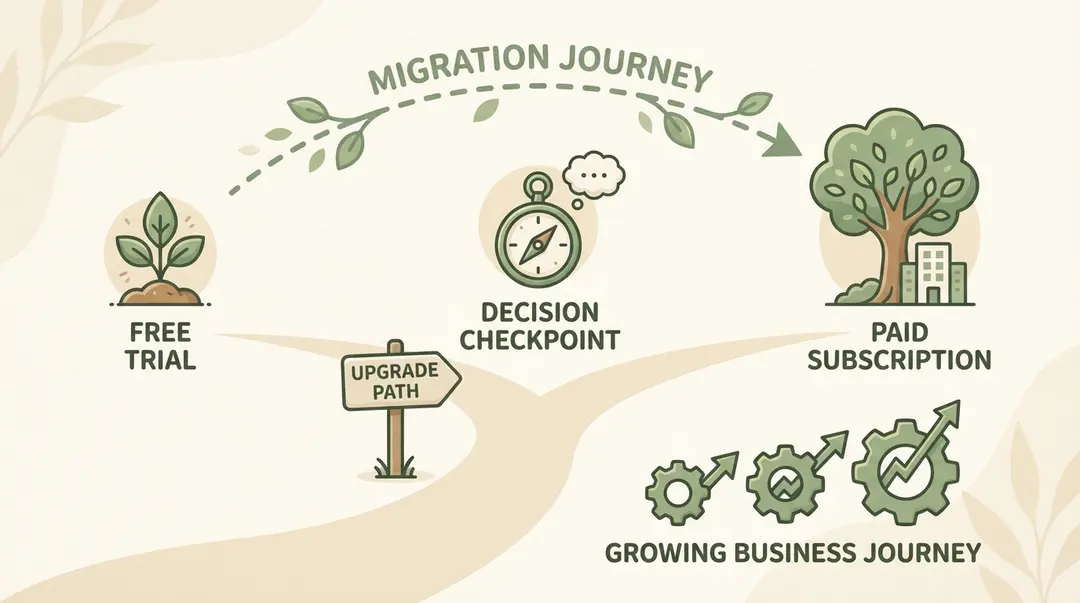
If You're Committing to Paid
Document your configuration
Screenshot your offer settings, targeting rules, and customizations before the trial ends.
Choose the right plan tier
Pick a plan that matches your order volume with some headroom for growth.
Set up billing alerts
Monitor your usage to avoid unexpected charges if the app bills by order count.
Schedule a review
Set a calendar reminder to evaluate ROI after 30 days on the paid plan.
If You're Switching Apps
Uninstall cleanly
Remove all app code from your theme. Most apps have an uninstall guide.
Check for leftover code
Verify your theme doesn't have orphaned widgets affecting page speed.
Export your data
Download conversion reports before uninstalling—you'll lose access.
Wait a day before new install
Let your baseline normalize before testing the next app.
Frequently Asked Questions
Do I need a credit card for free trials?
Most Shopify app trials require a credit card on file. You won't be charged during the trial, but billing starts automatically when it ends unless you cancel. Always set a calendar reminder for the trial end date.
Can I trial multiple upsell apps at once?
Technically yes, but it's not recommended. Running multiple upsell apps simultaneously makes it impossible to attribute results accurately. Test one at a time for clean data.
What if my order volume is too low during the trial?
If you don't get enough orders for statistical significance, extend your evaluation. Some apps will extend trials if you ask support. Alternatively, start with a free tier app and evaluate over a longer period.
Which app has the longest free trial?
AfterSell, Zipify OCU, and UpsellPlus all offer 30-day trials—the longest among major upsell apps. This gives you time to gather meaningful data even on lower-volume stores.
Are free trials really "free"?
Yes, but read the terms. Most trials are genuinely free with full feature access. A few apps limit certain features during trials. Always check what's included before starting.
What if I forget to cancel?
You'll be charged for the first month. Most apps will refund if you contact support within a few days. To avoid this, set a reminder 2-3 days before trial expiration.
Conclusion
Free trials are your best tool for finding the right upsell app. Use them strategically—don't just install and forget. Set up real offers, gather data, test mobile experience, and evaluate analytics quality.
For post-purchase upsells, AfterSell's 30-day trial gives you the most time to evaluate. For pre-purchase popups, Candy Rack's 14 days is solid. And for budget-conscious stores, ReConvert's free tier lets you test indefinitely.
Looking for upsells that work after customers leave your site? Upsella offers AI-powered SMS upsells with a free trial—reaching customers at the moments widget-based apps can't: when orders ship, when they deliver, or on any schedule you set.
Next Steps
Pick one app from this list that matches your upsell goals (pre-purchase, post-purchase, or SMS). Install it today, set up 2-3 offers, and run it for at least 100 orders before deciding.
For more guidance on choosing the right approach, read our upsell apps comparison, or learn about free upsell options for stores on a budget.
References
- Shopify App Store. "ReConvert Upsell & Cross Sell App Listing". 2025.
- ReConvert. "12 Powerful Shopify Upsell Apps to Help You Sell More". 2025.
- AfterSell. "Best Shopify Upsell and Cross-sell Apps in 2025". 2025.
- Fast Bundle. "+20 Best Upsell Apps for Shopify Store in 2025". 2025.
- Bold Commerce. "Official Information About Bold Upsell". 2025.
Ready to boost your revenue with SMS upsells?
Upsella automatically sends AI-powered SMS upsells after customer purchases. Start your free trial today and unlock hidden revenue effortlessly.
Related Articles
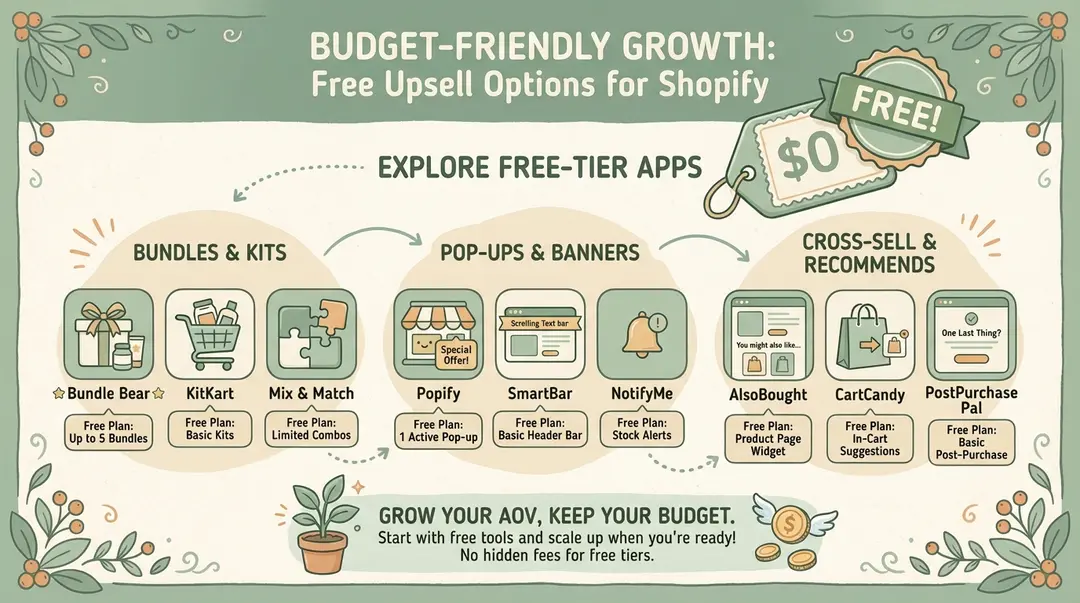
Best Free Upsell Options for Shopify Stores (2026 Guide)
You don
10 Best Upsell Apps for Shopify in 2026 (Reviewed & Ranked)
We reviewed and ranked the top Shopify upsell apps based on features, pricing, ease of use, and real merchant results. Find the perfect app to boost y...
How to Create Upsell Offers on Shopify Product Pages (Step-by-Step 2026)
A complete guide to implementing product page upsells—from frequently bought together widgets to premium version upgrades. Works on any Shopify plan.