
How to Create Upsell Offers on Shopify Product Pages (Step-by-Step)
A complete guide to implementing product page upsells—from frequently bought together widgets to premium version upgrades. Works on any Shopify plan.
What Are Shopify Product Page Upsells?
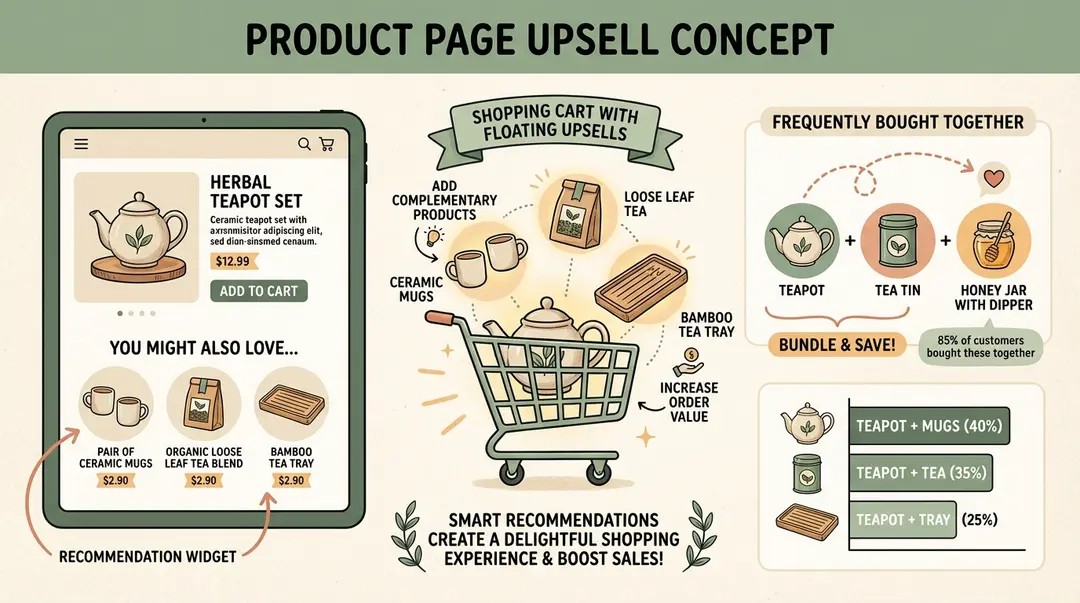
TL;DR
Product page upsells can increase AOV by 10-30%. Four main types: frequently bought together bundles, related products, premium version upgrades, and product add-ons. You can set these up using Shopify's built-in theme features (free) or dedicated apps like Selleasy, Frequently Bought Together, or Essential Upsell. The key is relevance—recommend products that genuinely complement what the customer is viewing.
Product page upsells are recommendations displayed on Shopify product pages to encourage customers to add complementary items, upgrade to premium versions, or buy bundles. They typically increase average order value by 10-30%.
Unlike post-purchase upsells (which appear after checkout), product page upsells engage customers at the decision-making moment—when they're actively evaluating a purchase.
This is one of the most valuable touchpoints in your store. A customer viewing a phone case is already interested in protecting their phone. Showing them a screen protector or charging cable at that exact moment is helpful, not pushy.
10-30%
Revenue Increase
From effective upselling strategies
35%
AOV Growth
With personalized recommendations
20%
Conversion Lift
From relevant product suggestions
Why Product Page Upsells Increase AOV
Product page upsells are effective because they meet customers where they already are—in shopping mode, actively considering a purchase. Here's why this timing matters:
- High intent moment – The customer found your product and is evaluating it. They're receptive to relevant suggestions.
- Context is clear – You know exactly what they're interested in, making recommendations easy to personalize.
- No interruption – Unlike popups, product page upsells are part of the natural browsing experience.
- Bundle psychology – Seeing complementary products together creates a "complete the set" urge that increases cart size.
According to Shopify's Future of Commerce report, stores using personalized product recommendations see up to 35% growth in average order value[1]. And a Forrester study found that upselling and cross-selling account for 10-30% of e-commerce revenues[2].
Amazon Proved the Model
4 Types of Product Page Upsells
There are four main approaches to product page upselling. Each serves a different purpose:
1. Frequently Bought Together (Bundles)
Shows products commonly purchased together as a bundle with a combined price. Customers can add all items with one click.
Best for: Accessories, consumables, complementary items
Example: Phone + Case + Screen Protector bundle
Typical AOV lift: 15-25%
2. Related Products / Cross-Sells
Displays products in the same category or with similar attributes. Less direct than bundles, but helps customers discover alternatives.
Best for: Product discovery, showing alternatives
Example: Similar dresses in different styles or colors
Typical AOV lift: 5-15%
3. Premium Version Upgrades (True Upsells)
Encourages customers to buy a higher-tier version of the product they're viewing. This is upselling in its purest form.
Best for: Products with premium variants or tiers
Example: Basic plan → Pro plan, Standard → Deluxe
Typical AOV lift: 20-40%
4. Product Add-Ons
Small additions like gift wrapping, extended warranty, or personalization. Often displayed as checkboxes near the Add to Cart button.
Best for: Services, warranties, customization options
Example: Add gift wrapping for $5, Add 2-year warranty for $29
Typical AOV lift: 5-10%
| Upsell Type | Goal | Complexity | Best Apps |
|---|---|---|---|
| Frequently Bought Together | Bundle complementary items | Easy | FBT, Selleasy, Essential |
| Related Products | Cross-sell alternatives | Easy | Theme built-in, Wiser |
| Premium Upgrades | Sell higher-tier versions | Medium | Bold Upsell, Candy Rack |
| Product Add-Ons | Add services/extras | Medium | Product Options, Bold |
Turn every order into more revenue
Upsella uses AI to send personalized SMS upsells after each purchase. Shopify stores see 15-25% more revenue from existing customers.
Setup Method 1: Shopify Theme Features (Free)
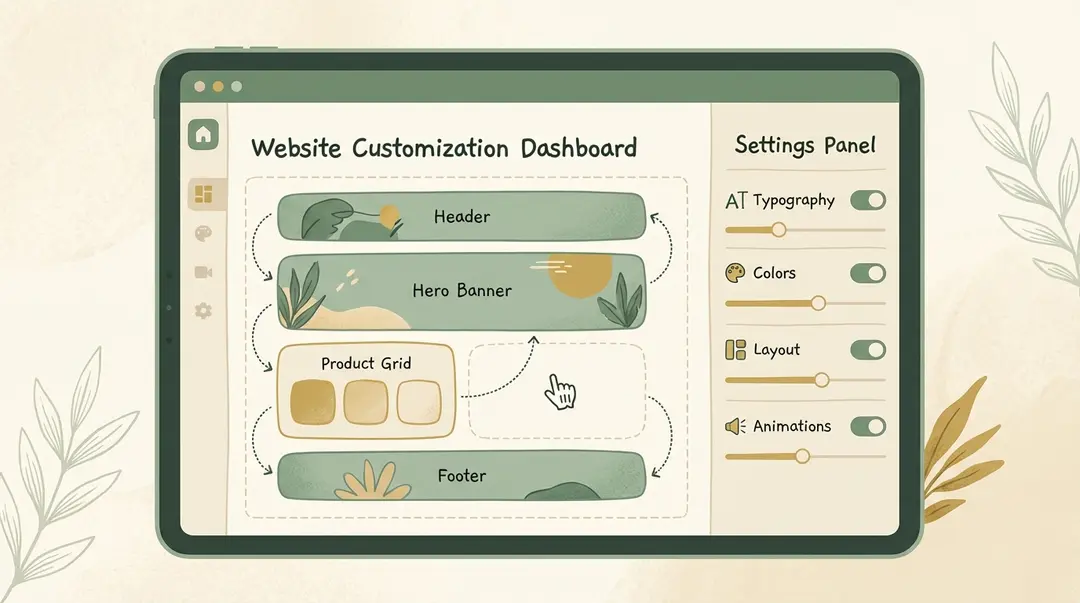
Before installing any apps, try Shopify's built-in features. Most modern themes include related products functionality that costs nothing extra.
Step-by-Step: Add Related Products via Theme Editor
Open the Theme Editor
Go to Online Store → Themes → Customize in your Shopify admin.
Navigate to Product Page
Use the page dropdown at the top to select 'Products' → 'Default product'.
Add a Related Products Section
Click 'Add section' and look for 'Related products', 'You may also like', or 'Product recommendations'. Most themes include this.
Configure the Section
Set the heading text (e.g., 'Complete Your Order'), number of products to show (4-8 is ideal), and whether to use automatic or manual recommendations.
Position the Section
Drag the section to place it below the main product details or near the Add to Cart button.
Save and Preview
Click Save, then view a product page to see your recommendations in action.
Automatic vs. Manual Recommendations
Shopify's automatic recommendations use AI to suggest products based on purchase history and browsing patterns. For new stores with limited data, you may want to set up manual collections that you curate yourself.
Step-by-Step: Create Manual Cross-Sell Collections
For more control over which products appear together:
Create accessory collections
Go to Products → Collections → Create collection. Name it something like 'Phone Case Accessories'.
Add complementary products
Manually add screen protectors, cables, and other items that go with phone cases.
Display on product pages
In Theme Editor, add a 'Featured collection' section to your product page template and select your accessory collection.
Use metafields for precision (optional)
Create a metafield to assign specific cross-sell products to each main product for fully customized recommendations.
Pros
- Completely free—no app subscription
- Native Shopify integration
- Fast page load times
- Easy to set up with most themes
Cons
- Limited customization options
- No bundle pricing or discounts
- Basic analytics only
- Manual curation required for best results
Setup Method 2: Shopify Upsell Apps
For more advanced features—like bundle discounts, one-click add, A/B testing, and detailed analytics—you'll want a dedicated upsell app. Here are the top options:
Selleasy
All-in-one upsell app with product page widgets, cart upsells, and post-purchase offers. Free for stores under 100 orders/month.
Frequently bought together bundles
Related product carousels
Cart page cross-sells
Free tier: 100 orders/month
Paid: From $8.99/month
Frequently Bought Together
Focused specifically on Amazon-style bundle recommendations. Simple, effective, and affordable.
AI-powered product matching
Bundle discounts ($ or %)
Customizable widget design
Free tier available
Paid: From $9.99/month
Essential Upsell & Cross-Sell
Versatile app for product page upsells, in-cart offers, and post-purchase funnels.
Multiple upsell touchpoints
Discount incentives
One-click add to cart
Free tier: 20 orders/month
Paid: From $7.99/month
Step-by-Step: Setting Up Selleasy
Install from Shopify App Store
Search for 'Selleasy' and click Install. Authorize the app to access your store.
Choose your upsell type
Select 'Frequently Bought Together' or 'Related Products' from the dashboard.
Create your first offer
Pick a trigger product (e.g., 'Coffee Maker') and add recommended products (e.g., 'Coffee Filters', 'Cleaning Tablets').
Set bundle discount (optional)
Add an incentive like '10% off when bought together' to increase conversion.
Customize the widget
Match colors and fonts to your store's branding. Preview on desktop and mobile.
Enable and test
Activate the offer and visit your product page to verify it displays correctly.
How to Set Up Frequently Bought Together
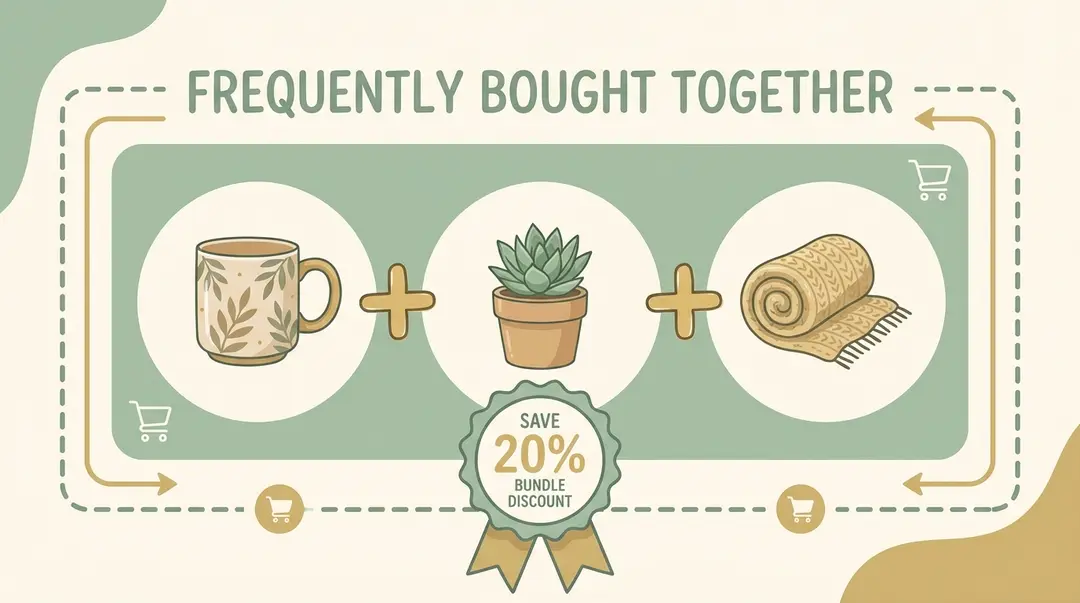
Frequently Bought Together (FBT) is the most effective product page upsell format. Here's how to implement it properly:
Choosing Products to Bundle
The key to FBT success is relevance. Ask yourself: "Would a customer genuinely want both of these products?"
- Complementary pairs: Camera + Memory Card, Laptop + Laptop Bag
- Consumable add-ons: Razor + Blade Refills, Printer + Ink Cartridges
- Protection products: Phone + Case + Screen Protector
- Complete sets: Shirt + Matching Pants, Skincare Routine Bundle
Avoid Random Bundles
Don't bundle unrelated products just to increase cart value. A coffee maker bundled with a t-shirt feels spammy and damages trust. Every bundle should make logical sense to the customer.
Pricing Your Bundles
Bundles work best with a small discount that incentivizes buying together:
- 5-10% off total: Gentle nudge without hurting margins
- Fixed amount off: "Save $10 when bought together"
- Free item threshold: "Add the case and get the screen protector free"
Widget Placement
Position your FBT widget where customers will naturally see it:
- Below product description: After they've read about the main product
- Near Add to Cart: Right where the buying decision happens
- Avoid below-the-fold only: Some visibility above the fold increases engagement
Product Page Upsell Best Practices
1. Prioritize Relevance Over Revenue
The highest-margin upsell isn't always the best choice. Recommend products that genuinely enhance the customer's purchase, even if they're lower-priced.
2. Limit Recommendations to 3-4 Products
Too many options cause decision fatigue. Show your top 3-4 most relevant recommendations, not your entire catalog[3].
3. Use Social Proof
Labels like "Customers also bought" or "Frequently purchased together" leverage social proof psychology. They signal that other buyers found these combinations valuable.
4. Test Different Positions
A/B test widget placement. Some stores see better results with upsells above the fold, others below product details. Data beats assumptions.
5. Mobile Optimization
Over 70% of Shopify traffic is mobile. Ensure your upsell widgets display properly on smaller screens without disrupting the Add to Cart flow.
6. Combine with Post-Purchase
Product page upsells capture customers during browsing. But you can also reach them after purchase via SMS. Upsella sends AI-powered product recommendations via text message after customers buy—extending your upsell window beyond the single session.
Layer Your Upsell Strategy
Product page upsells + post-purchase SMS = maximum coverage. You catch customers during browsing AND after they leave your site. These strategies complement each other.
Frequently Asked Questions
What is a product page upsell?
A product page upsell is a recommendation shown on your product pages while customers browse. It can be a frequently bought together bundle, related product, premium upgrade, or add-on service. The goal is to increase order value by suggesting relevant additional items.
What's the difference between upselling and cross-selling?
Upselling encourages customers to buy a more expensive version of the same product (Basic → Pro). Cross-selling suggests complementary products (Phone → Phone Case). Both increase AOV, but through different approaches.
Do I need an app for product page upsells?
Not necessarily. Shopify's built-in theme features support basic related products sections for free. However, apps offer advanced features like bundle discounts, AI matching, A/B testing, and detailed analytics that can significantly improve results.
How many products should I recommend?
3-4 products is optimal. Fewer feels sparse; more causes decision fatigue. For frequently bought together bundles, 2-3 complementary items plus the main product works best.
What discount should I offer on bundles?
5-10% is the sweet spot. It's enough to incentivize bundling without significantly hurting margins. Alternatively, offer a fixed amount off (e.g., "Save $15 on this bundle").
Will product page upsells slow down my site?
Well-built apps have minimal performance impact. Native theme features have zero impact. Always test page speed after adding new elements using tools like Google PageSpeed Insights.
Conclusion
Product page upsells are one of the highest-impact, lowest-risk ways to increase your store's revenue. You're not interrupting the buying process—you're enhancing it with relevant suggestions.
Start with Shopify's built-in related products feature to test the concept for free. Once you see results, consider upgrading to a dedicated app like Selleasy or Frequently Bought Together for bundle discounts and better analytics.
And remember: product page upsells only work while customers are browsing. To continue the relationship after they leave, Upsella's SMS upsells reach customers with AI-powered recommendations at key moments—order shipped, delivered, or any custom schedule you set.
Next Steps
Pick one product page upsell type to implement today. Start with frequently bought together if you have clear accessory relationships. Measure AOV for 30 days, then expand your strategy.
For more upsell strategies, read our guide to increasing average order value, or learn how to set up post-purchase upsells for after the checkout.
References
- Shopify. "Future of Commerce Report 2024". 2024.
- Forrester Research. "Upselling and Cross-selling E-commerce Revenue Analysis". 2024.
- Logbase. "Shopify In Cart Upsell Guide 2025". 2025.
- BOGOS. "Shopify Upsell on Product Page: How It Can Be Done". 2024.
- EcomRise. "How To Add Frequently Bought Together on Shopify". 2025.
Ready to boost your revenue with SMS upsells?
Upsella automatically sends AI-powered SMS upsells after customer purchases. Start your free trial today and unlock hidden revenue effortlessly.
Related Articles
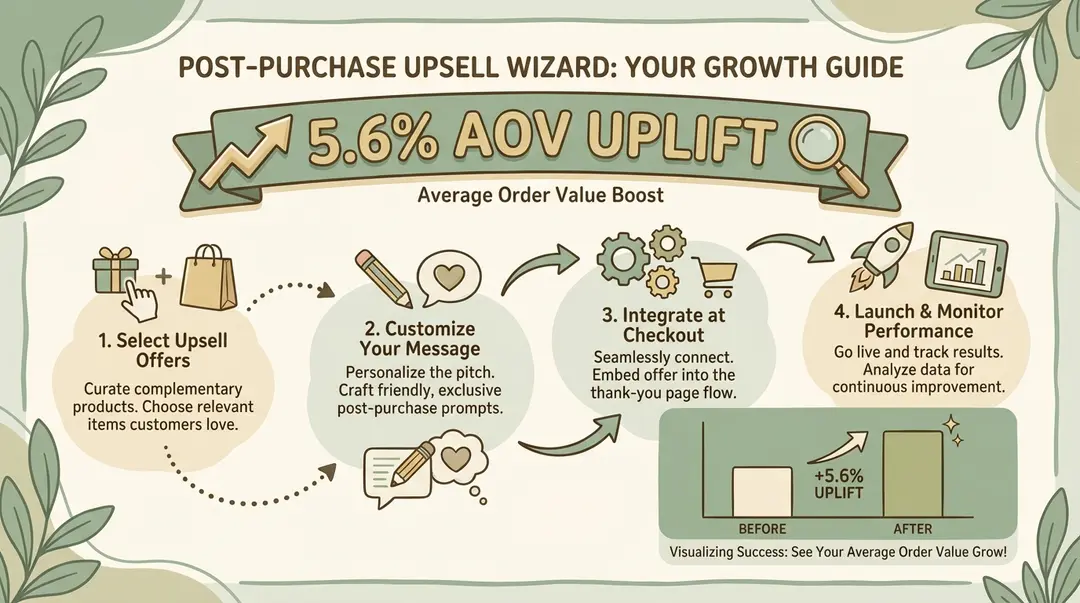
How to Set Up Post-Purchase Upsells in Shopify (Step-by-Step Guide 2026)
A complete guide to implementing post-purchase upsells on your Shopify store—including methods that work without Shopify Plus.
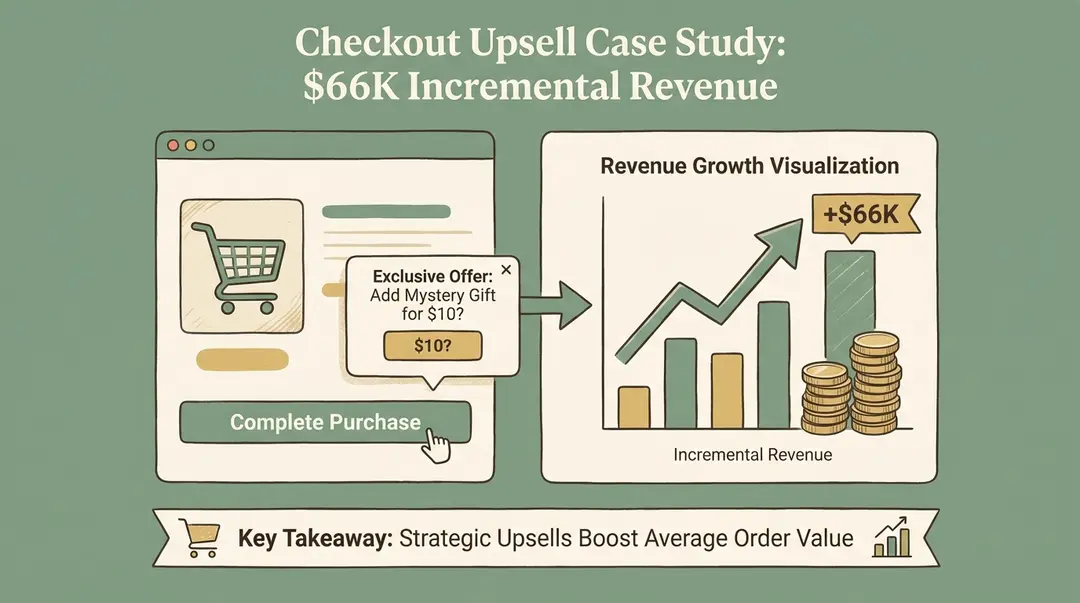
Shopify Upsell at Checkout: Complete Guide (With & Without Plus)
Everything you need to know about adding upsells to your Shopify checkout—whether you
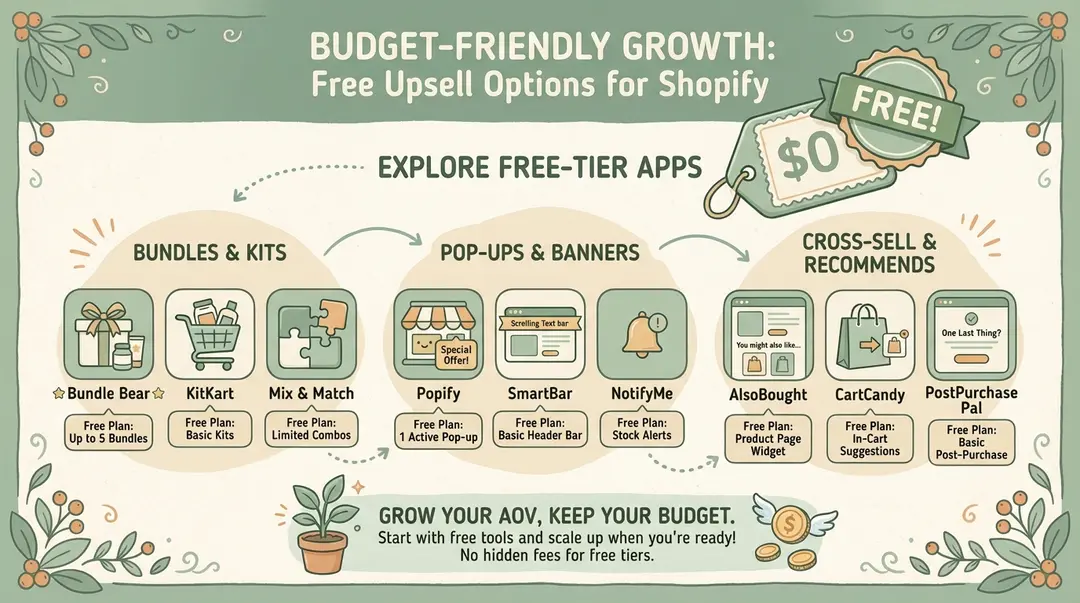
Best Free Upsell Options for Shopify Stores (2026 Guide)
You don