Shopify Upsell at Checkout: Complete Guide
Everything you need to know about adding upsells to your Shopify checkout—whether you're on Plus or a standard plan. Includes workarounds, app recommendations, and proven strategies.
Why Checkout Upsells Work
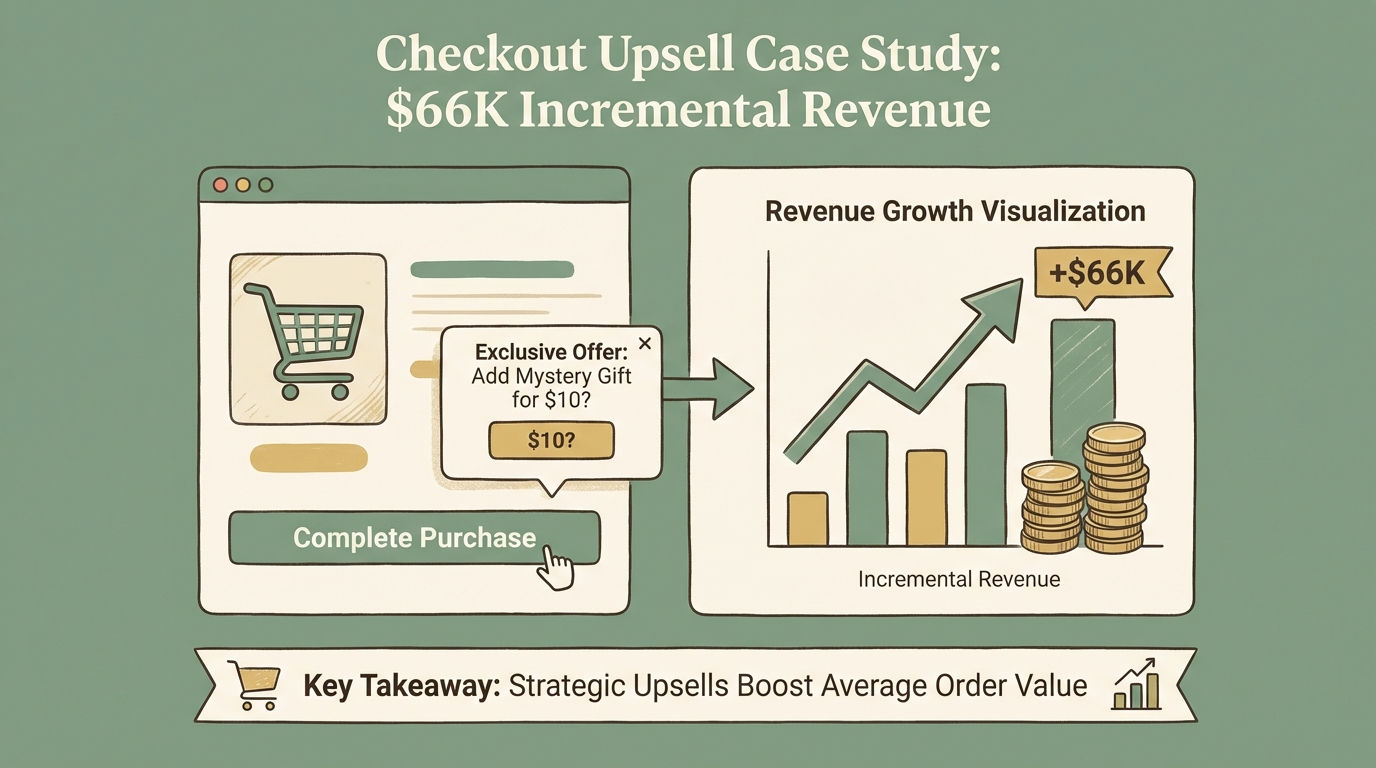
The checkout page is one of the highest-converting places to show upsell offers. The customer has already committed to buying—they've entered payment details and are ready to complete their purchase. At this moment, the psychological barrier to adding one more item is at its lowest.
$66K
Incremental Revenue
Generated in 1.5 months
56% → 63%
Conversion Rate Lift
7% improvement
1.5 mo
Time to Results
Arbor Made case study
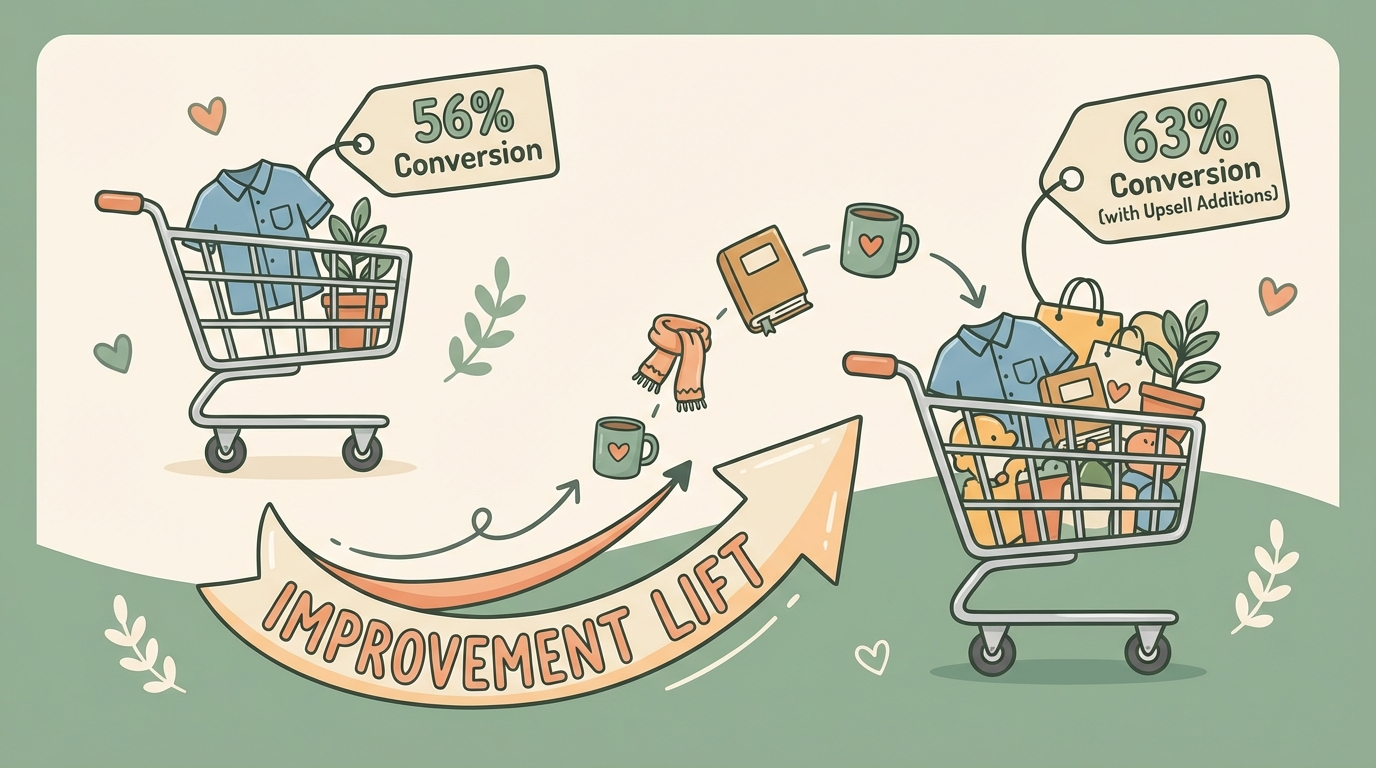
Case study: Arbor Made, a sustainable candle brand, implemented checkout upsells after migrating to Shopify Plus. Results: conversion rate improved from 56% to 63%, generating $66,000 in incremental revenue within 1.5 months[1].
Shopify Plus Required
Plus vs Standard Plans: What You Can Do
| Upsell Type | Shopify Plus | Standard Plans |
|---|---|---|
| Native checkout page upsells | Yes (Checkout Extensibility) | No |
| Post-purchase upsells | Yes | Yes |
| Thank-you page upsells | Yes | Yes |
| Cart page upsells | Yes | Yes |
| Shipping rate upsells | Yes | Yes (free hack) |
| SMS upsells post-checkout | Yes | Yes |
Pros
- Native checkout page upsells via Checkout Extensibility
- Full customization of checkout experience
- Advanced analytics and A/B testing
- Priority support and dedicated account manager
Cons
- $2,000+/month minimum cost
- Annual contract often required
- Overkill for smaller stores
- Migration effort from standard plans
As you can see, standard plans have multiple alternatives. Let's break down each approach.
Checkout Extensibility (Shopify Plus)
Checkout Extensibility is Shopify's modern framework for customizing the checkout experience. It replaced the legacy checkout.liquid system and offers more secure, scalable customization[2].
Upgrade Deadlines
- Plus stores: Must upgrade by August 28, 2025
- Non-Plus stores: Must upgrade by August 26, 2026
After these deadlines, Shopify will automatically remove checkout.liquid customizations.
What You Can Do With Checkout Extensibility
Upsell/Cross-sell Product Blocks
Add product recommendations directly in the checkout flow
Dynamic Offers Based on Cart
Display personalized offers based on cart contents and customer behavior
Trust Badges & Custom Messaging
Add shipping estimates, security badges, and promotional messaging
Checkout-Specific Discounts
Implement exclusive promotions that only appear at checkout
A/B Testing Capabilities
Test different upsell configurations to optimize conversion
How It Works
Checkout Extensibility uses app blocks that render natively inside the checkout. This means upsells appear seamlessly, load fast, and work on mobile. No coding required—apps handle the integration[3].
Best Checkout Upsell Apps for Shopify Plus
These apps integrate with Checkout Extensibility for native checkout upsells:
1. AfterSell
AfterSell leads for native checkout blocks plus one-click post-purchase funnels. It offers robust A/B testing and analytics[4].
- Pricing: $34.99/mo and up
- Best for: Comprehensive checkout + post-purchase strategy
2. UpsellPlus
UpsellPlus adds upsell offers directly inside Shopify Checkout using extensions that blend with your brand. Features dynamic checkout blocks based on cart contents[5].
- Pricing: $49/mo and up
- Best for: Brand-matched checkout customization
3. ReConvert (Upsell.com)
Built for Shopify Plus with Checkout Extensibility. Upsells appear natively inside checkout with no code required[6].
- Pricing: Free tier available, paid from $4.99/mo + 0.75%
- Best for: Budget-conscious Plus stores
4. Checkout Wiz
Custom Shopify checkout for Plus stores with upsell blocks and advanced rules.
- Pricing: Custom
- Best for: Complex checkout customization needs
Checkout Upsells Without Shopify Plus
If you're not on Plus, you can't add widgets directly to the checkout page. But you have several effective alternatives[7].
Alternative 1: Cart Page Upsells
Show upsells on the cart page before checkout. Customers see recommendations when they click "View Cart" or before clicking "Checkout."
Apps: Selleasy, iCart, Candy Rack, Bold Upsell
Alternative 2: Post-Purchase Upsells
Show upsells after checkout but before the thank-you page. With one-click purchase, customers can add items without re-entering payment details.
Apps: ReConvert, AfterSell, Selleasy
Learn more in our post-purchase upsell setup guide.
Alternative 3: Thank-You Page Upsells
Customize the order confirmation page with additional offers. Works on all Shopify plans.
Apps: ReConvert, Honeycomb
The Shipping Rate Upsell Hack (Free, No App)
Here's a clever workaround that works on any Shopify plan without installing apps[8]:
The Trick
How to Set It Up
Navigate to Shipping Settings
Go to Settings → Shipping and delivery in your Shopify admin.
Create Tiered Shipping Rates
Set up multiple shipping options with bundled services. For example: Standard Shipping ($5.99), Priority + Gift Wrapping ($12.99), Express + Extended Warranty ($19.99), VIP + Priority + Gift Message ($24.99).
Add Clear Descriptions
Make sure each tier clearly explains what's included so customers understand the value.
Test the Checkout Flow
Complete a test order to ensure shipping options display correctly on desktop and mobile.
Why It Works
Appears Inside Checkout
Upsells show where shipping options are displayed—truly in the checkout
No App Required
Use native Shopify settings, completely free
Works on All Devices
Displays properly on desktop and mobile
Zero Risk
No theme editing required—completely safe to implement
Expected Results
This method typically increases AOV by around 5%[8]. While it doesn't let you upsell other products, it's effective for services and add-ons.
Post-Purchase: The Best Non-Plus Alternative
If you can't add upsells to the checkout page, post-purchase upsells are the next best thing. They appear immediately after payment confirmation—the customer has already bought, so there's zero risk to the original sale.
How Post-Purchase Works
- Customer completes checkout and payment
- A new page appears with an upsell offer
- Customer can accept with one click (no re-entering payment)
- Thank-you page displays
Requirements
- Works with Shopify Payments + credit card or PayPal Express
- Available on all Shopify plans
- Requires an app (ReConvert, AfterSell, Selleasy)
Conversion Rates
High Conversion Potential
SMS Upsells: Reach Customers After Checkout
Widget-based upsells (checkout, post-purchase, thank-you page) all share one limitation: they only work while the customer is on your site. Once they close the browser, you've lost the opportunity.
SMS upsells solve this by reaching customers after they leave—via text message.Upsella automatically sends AI-powered SMS upsells after purchase, at moments like:
- Post-checkout (immediately after buying)
- Order shipped (when tracking updates)
- Order delivered (when excitement peaks)
- Custom timing (days after purchase)
Why SMS Works
98%
SMS Open Rate
vs ~20% for email
Any Plan
Works On
No Plus required
Reaches Customers Off-Site
Connect with buyers even after they close their browser
AI-Powered Product Matching
Recommendations based on purchase history and behavior
One-Tap Purchase Links
Frictionless buying experience directly from SMS
Combining Approaches
SMS upsells complement checkout upsells rather than replacing them. Use on-site upsells for immediate opportunities, and SMS for follow-up conversions.
Best Practices for Checkout Upsells
Regardless of which method you use, follow these principles:
1. Keep Offers Relevant
Suggest products that make sense with what's in the cart. AI-powered recommendations outperform static offers[11].
2. Limit to 1-3 Offers
Too many options cause decision fatigue. Present your best offer prominently.
3. Price Appropriately
Upsell items should be 10-25% of the cart value. A $50 add-on after a $200 purchase is reasonable; after a $20 purchase, it feels pushy.
4. Use Urgency Carefully
Limited-time offers can boost conversions, but don't create false scarcity. Customers see through it.
5. Make Declining Easy
Don't hide the "No thanks" option. Pushy upsells damage trust and can hurt your brand long-term.
6. A/B Test Everything
Test different products, prices, copy, and timing. Small improvements compound over thousands of orders.
7. Optimize for Mobile
Over 70% of Shopify traffic is mobile. Ensure upsells display well on small screens.
Conclusion
Checkout upsells are powerful, but they're not limited to Shopify Plus. Here's a quick summary of your options:
- Shopify Plus: Use Checkout Extensibility with apps like AfterSell, UpsellPlus, or ReConvert
- Standard plans: Use cart page upsells, post-purchase upsells, or the shipping rate hack
- Any plan: Add SMS upsells with Upsella to reach customers after they leave your site
The best strategy combines multiple approaches: catch customers on-site with widget-based upsells, then follow up via SMS for additional conversions.
Compare all upsell methods in our complete comparison guide.
References
- [1] EcomRise. "Shopify Upsell at Checkout: Best Strategies". 2025.
- [2] Qikify. "Shopify Checkout Extensibility (2025)". 2025.
- [3] Flatline Agency. "Shopify Checkout Upgrade 2025". 2025.
- [4] AfterSell. "Best 9 Shopify Checkout Upsell Apps". 2025.
- [5] Shopify App Store. "UpsellPlus Checkout Upsell". 2025.
- [6] Upsell.com. "Shopify Upsell at Checkout: Complete Guide". 2025.
- [7] Entaice. "Shopify Checkout Upsell Without Plus". 2025.
- [8] Digismoothie. "How to Upsell in Shopify Checkout with NO App". 2025.
- [9] Logbase. "How to Upsell in Shopify Checkout". 2025.
- [10] Shopify. "SMS Marketing Guide". 2024.
- [11] Skailama. "Top 10 Ideas to Upsell on Shopify Checkout". 2025.
Ready to boost your revenue with SMS upsells?
Upsella automatically sends AI-powered SMS upsells after customer purchases. Start your free trial today and unlock hidden revenue effortlessly.